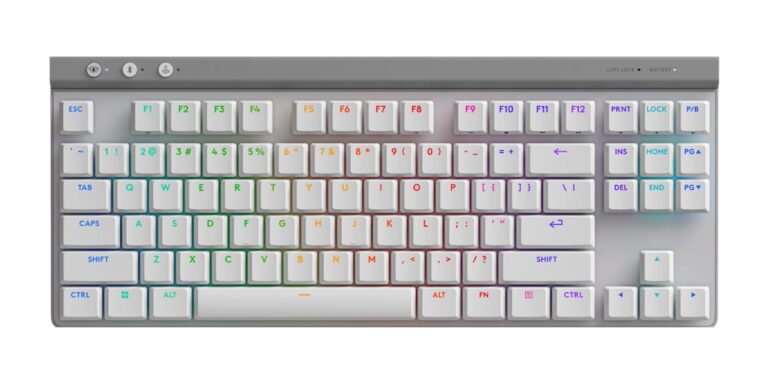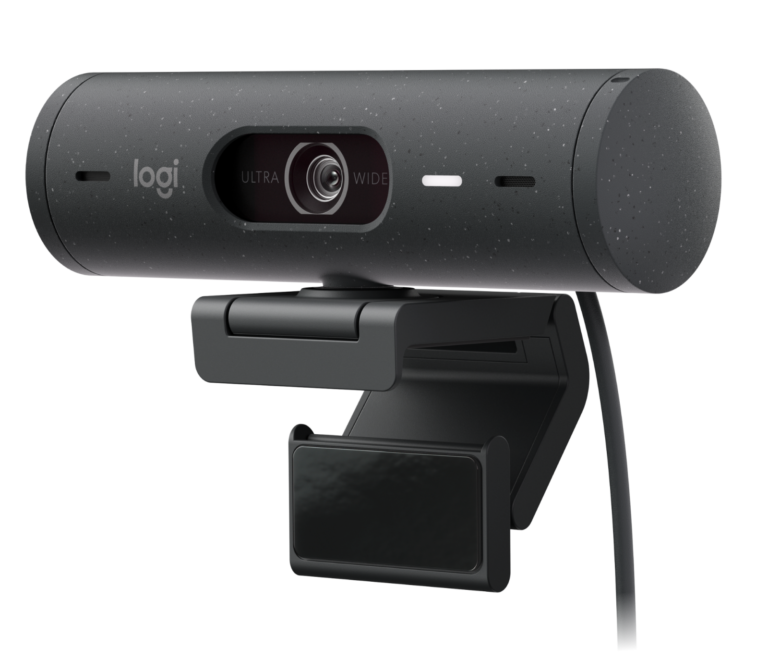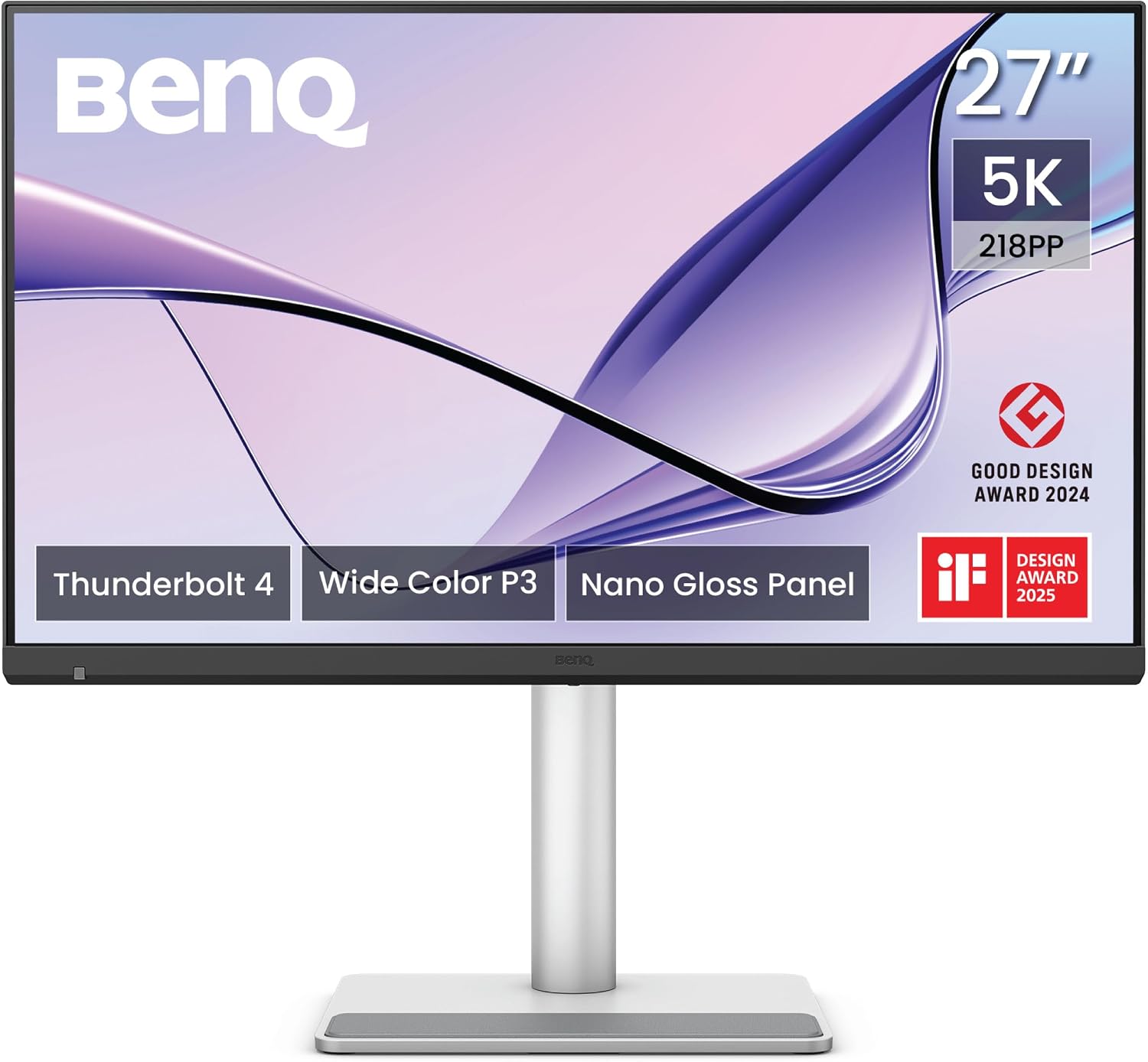
Canadian Mac owners who want Apple-level 5K sharpness should buy the MA270S when Amazon.ca has it in stock: its color matches a MacBook out of the box, and one Thunderbolt 4 cable charges the laptop while the Mac's brightness and volume keys control the screen. It also adds a full stand, two HDMI inputs and a KVM switch that Apple's Studio Display lacks. The trade-offs are a glossy finish that needs careful lighting, no webcam, modest speakers and a 70Hz panel too slow for fast games. If daily video calls on a Mac mini matter most, Apple's Studio Display fits better.
Pros
- Sharp 5K at 218 ppi, the same density as Apple's display
- Very accurate color in Tom's Guide's lab
- 96W Thunderbolt 4 charging and a 10Gbps USB hub
- Mac brightness and volume keys control the screen
- Built-in KVM switch and two HDMI 2.1 inputs
- Height, tilt, swivel and pivot stand included
Cons
- Glossy finish reflects bright windows and lamps
- No webcam; speakers no match for Apple's
- 70Hz and 5ms response too slow for fast games
- Modest HDR with no local dimming
As an Amazon Associate I earn from qualifying purchases. Disclosure
Overview
Apple’s Studio Display has long been the default 27-inch 5K screen for a Mac, and the BenQ MA270S takes it on directly. It uses the same 5120 x 2880 resolution at 218 pixels per inch, so macOS shows a crisp interface that looks like 2560 x 1440 by default, and it adds what Apple’s display leaves out: a height-adjustable stand at no extra cost, two HDMI 2.1 inputs, a KVM switch and USB-A ports. It makes the most sense for Mac owners who edit photos or read text all day and can do without a built-in webcam.
BenQ added the MA270S to its Mac-focused MA series in 2026 as the line’s 5K model, alongside the 120Hz MA320UG, and BenQ Canada lists it with the same specifications as the US model, including the 96W Thunderbolt 4 port. Its on-screen menu can be set to French as well as English. Amazon.ca’s listing had no new stock and no price when we checked in October 2026, and BenQ Canada’s own buy page didn’t show a price either, so there’s no current Canadian price to quote. Macwelt reports that Apple refreshed its Studio Display in March 2026 with Thunderbolt 5 and a better camera. That current model still runs at 60Hz, and it’s the one compared below.
Key Specifications
| Price (CAD) | $1,249.99 (last Amazon price, Oct 9, 2026) |
| Screen | 27-inch IPS, 5120 x 2880 (5K), 218 ppi |
| Screen coating | Nano Gloss (glossy) |
| Refresh rate | 70Hz |
| Response time (BenQ spec) | 5 ms GtG |
| Brightness (BenQ spec) | 450 nits typical |
| Contrast (BenQ spec) | 2,000:1 native |
| Color gamut (BenQ spec) | 99% sRGB, 99% P3; 1.07 billion colors |
| HDR | HDR10, VESA DisplayHDR 400 |
| Laptop charging | Up to 96W over the Thunderbolt 4 input |
| Video inputs | Thunderbolt 4, USB-C (DisplayPort Alt Mode, 35W), 2x HDMI 2.1 |
| Other ports | Thunderbolt 4 out (15W, daisy chain), USB-C 10Gbps (15W), 2x USB-A 10Gbps (7.5W), headphone jack |
| Extras | KVM switch, picture-in-picture and picture-by-picture, ambient light sensor |
| Speakers | 2 x 3W |
| Stand | 150 mm height, -5° to 20° tilt, 15° swivel each way, 90° pivot; 100 x 100 mm VESA mount |
| Weight | 8.64 kg (19.05 lb) with stand; 5.7 kg (12.57 lb) without |
BenQ MA270S Picture Quality
Text is where 5K pays off. At 218 pixels per inch, the MA270S packs about twice the density of a typical 27-inch 1440p monitor, which lets macOS draw text at the same Retina sharpness as a MacBook’s own screen. TechRadar’s long-term reviewer, who ran it as a vertical second screen for 166 days, could set macOS to its smallest scaled size and still read every line clearly.
Color is the other reason to buy it. BenQ tunes the panel to match Apple’s colors and adds an M-book mode for pairing with a MacBook, and the picture lined up with the MacBook beside it as soon as testers plugged it in. Tom’s Guide’s lab measured a Delta-E color error score of 0.09, a score so close to zero that the screen shows almost exactly the colors the Mac sends, and better than both Apple Studio Display models and BenQ’s own PD2730S in its charts.
It’s bright enough for a lit office. BenQ rates it at 450 nits, and Tom’s Guide measured 387.4 nits in SDR, the brightest third-party monitor it had tested at the time, though still dimmer than Apple’s 600-nit Studio Display.
The Nano Gloss coating is a true gloss finish, and there’s no matte version of the 5K model. It gives deep-looking blacks and rich color, but it reflects light, and how much that matters depends on the room. Three testers, one of them working beside a shaded window, had no glare trouble in their own setups. 91mobiles warns that a desk opposite a bright window or under harsh lighting will show every light in the room, and TechRadar’s Nick Ross found the screen can turn into a black mirror on dark content. If a window faces your desk, a matte 5K screen is the safer choice.
Mac Integration, Ports and KVM
It behaves much like an Apple display once BenQ’s free Display Pilot 2 app is installed. The MacBook’s brightness and volume keys adjust the monitor too, color profiles switch with the color mode, and the app can change modes per application. You’ll want the app: TechRadar points out that the joystick under the screen only reaches brightness, volume and input selection.
One Thunderbolt 4 cable carries the picture, the hub’s data and up to 96W of charging, which Notebookcheck notes is enough for most MacBooks. The hub adds a 10Gbps USB-C port, two 10Gbps USB-A ports and a headphone jack, and a second USB-C video input with DisplayPort Alt Mode charges at up to 35W. Two HDMI 2.1 inputs take a games console or a second computer, which Apple’s display lacks.
The KVM switch lets one keyboard and mouse control two computers, and picture-by-picture shows both side by side. 91mobiles ran a MacBook Pro, a Windows laptop and a PlayStation 5 on it at once and found everything worked as expected. A Thunderbolt 4 output also chains a second monitor from the same cable, and 91mobiles notes that a Mac with a Pro, Max or Ultra chip can drive a second 5K screen this way.
HDR, Motion and Gaming
The 70Hz refresh rate is a small step above the 60Hz of Apple’s Studio Display. 91mobiles found scrolling and animations slightly smoother, while Macwelt noticed no difference in everyday use. Coming from a 120Hz MacBook Pro, 91mobiles noticed the step down straight away.
Testers agree it isn’t a monitor for fast games. A 70Hz ceiling and a 5ms response time can’t keep up with quick motion the way a high-refresh gaming monitor does, and that’s where competitive shooters belong.
HDR is modest. The DisplayHDR 400 panel has no local dimming, and TFTCentral expects it to deliver little in the way of HDR performance. Tom’s Guide measured 272 nits in HDR on a 10% window, well below its SDR reading. TechRadar’s Nick Ross saw HDR bring out more shadow and highlight detail in video, but the brightest highlights could blow out.
Stand, Speakers and Camera
The stand is included and does everything: 150 mm of height adjustment, tilt, swivel and a 90-degree pivot into portrait, plus a 100 x 100 mm VESA mount for an arm. Apple charges extra for height adjustment on its own display. The base has a rubberized pad that holds a phone or AirPods case without scratching it, and in 91mobiles’ use the stand stayed steady, with no wobble.
The two 3W speakers handle video calls and background music. TechRadar’s Nick Ross found them more rounded than most monitor speakers, with a little bass, though they don’t get loud, and other testers still rated them well short of Apple’s six-speaker system with force-cancelling woofers. For real listening, headphones or desk speakers are the better choice.
There’s no webcam. MacBook owners can keep using the laptop’s own camera, but Mac mini and Mac Studio owners need a separate camera for video calls, which Apple’s 12MP Center Stage camera covers.
How Does It Stack Up Against the Competition?
Apple’s Studio Display is the obvious rival; BenQ’s own PD2730S and the ASUS ProArt PA27JCV are matte 5K options built for photo and design work.
| Feature | BenQ MA270S | Apple Studio Display (2026) | BenQ PD2730S | ASUS ProArt PA27JCV |
|---|---|---|---|---|
| Price (CAD) | $1,249.99 (last Amazon price, Oct 9, 2026) | $2,755.99 (standard glass) | See price on Amazon | See price on Amazon |
| Screen | 27″ 5120 x 2880, 218 ppi | 27″ 5120 x 2880, 218 ppi | 27″ 5120 x 2880, 218 ppi | 27″ 5120 x 2880, 218 ppi |
| Screen finish | Glossy (Nano Gloss) | Glossy (standard glass) | Matte (Nano Matte) | Matte (anti-glare, low-reflection) |
| Refresh rate | 70Hz | 60Hz | 60Hz | 60Hz |
| Brightness (maker spec) | 450 nits | 600 nits | 400 nits | 400 nits |
| Laptop charging | 96W (Thunderbolt 4) | 96W (Thunderbolt 5) | 90W (Thunderbolt 4) | 96W (USB-C) |
| Height-adjustable stand | Yes, 150 mm | Yes, 105 mm (this configuration) | Yes, 150 mm | Yes |
| Amazon | View on Amazon | View on Amazon | View on Amazon | View on Amazon |
Prices change frequently — always verify current pricing before purchasing.
Apple’s Studio Display adds a brighter panel, a 12MP Center Stage camera, six speakers and Thunderbolt 5, which makes it the better buy for a Mac mini or Mac Studio that takes daily video calls. BenQ’s PD2730S swaps the gloss for a Nano Matte coating, adds a DisplayPort input and BenQ’s Hotkey Puck controller, and charges at 90W; in Tom’s Guide’s lab the MA270S still measured the more accurate color. The ASUS ProArt PA27JCV is another matte 5K screen with 96W USB-C charging, for desks where reflections are the bigger worry.
BenQ MA270S: Worth It for Mac Owners Who Want 5K and More Ports
For a Canadian desk built around a MacBook, the case is the same as in the US: one Thunderbolt cable charges the laptop, the keyboard’s brightness and volume keys work as they would on an Apple screen, and the KVM switch lets a Windows work laptop share the same keyboard and mouse. Photo editors get the accurate color Tom’s Guide measured, provided the room’s lighting suits a glossy screen. The difficulty in Canada right now is stock: with no new units on Amazon.ca in October 2026, there’s no Canadian price to set against the $2,755.99 CAD Amazon.ca charged on October 6, 2026 for Apple’s Studio Display with a matching height-adjustable stand, so watch the Amazon.ca listing.
Look elsewhere in three cases. A Mac mini or Mac Studio used for daily calls is better served by Apple’s Studio Display, with its camera and speakers built in. A desk facing a bright window suits a matte 5K screen such as the BenQ PD2730S or ASUS ProArt PA27JCV. And fast games call for a high-refresh gaming monitor.

Sources
- BenQ — MA270S Specifications
- BenQ — MA270S 27″ 5K Nano Gloss Monitor with Thunderbolt 4
- BenQ MA270S — Amazon.ca Product Listing
- Tom’s Guide — BenQ MA270S review
- TechRadar — The BenQ MA270S breaks Apple’s monitor monopoly
- TechRadar — BenQ MA270S 5K monitor review
- 91mobiles — BenQ MA270S review
- Macwelt — Benq MA270S im Test
- iCulture — Review BenQ MA270S
- TFTCentral — BenQ MA270S announced
- Notebookcheck — BenQ launches new Mac monitors
- Apple — Studio Display Technical Specifications
- BenQ — PD2730S Specifications
- ASUS — ProArt Display 5K PA27JCV Tech Specs
- ASUS — ProArt Display 5K PA27JCV
- BenQ Canada — MA270S Specifications
Reader Poll
What would decide a 5K monitor for your Mac?
Help Our Editors Know What Matters to You
Explore on Amazon →