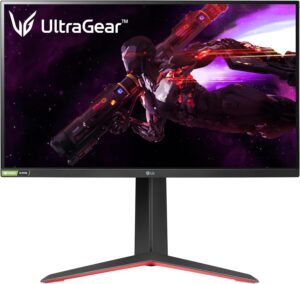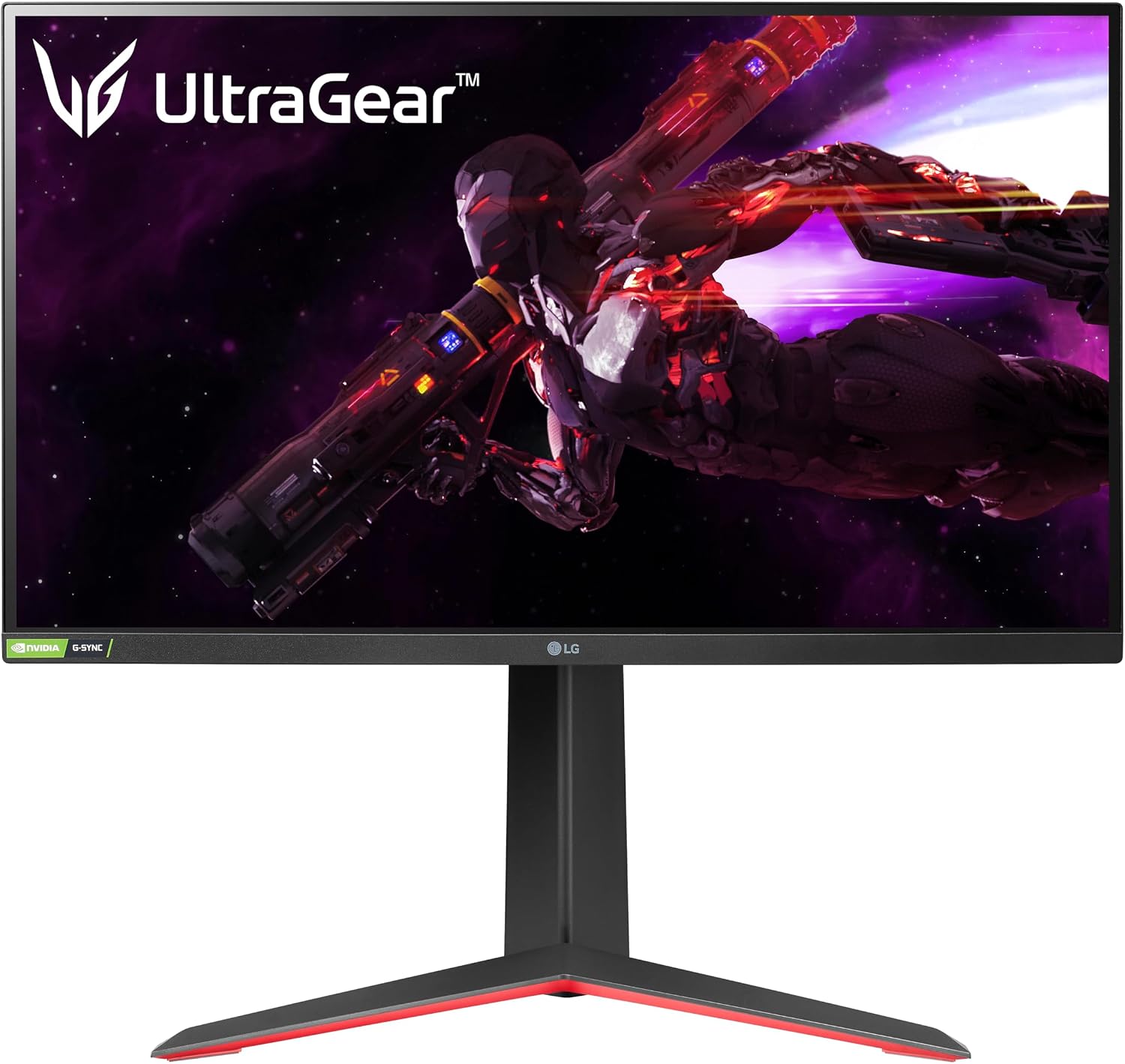
RTINGS clocked the LG 27GP850-B's response time and input lag among the better values in the 1440p 165Hz tier, backed by accurate Nano IPS color that also works well for casual photo editing on the side. For Canadian gamers shopping on Amazon.ca, the wide 98% DCI-P3 gamut and dual G-SYNC/FreeSync support round out a genuinely strong spec sheet. Where it comes up short is contrast: the panel's weak black uniformity and lack of local dimming make its DisplayHDR 400 badge mostly nominal, and rivals like the Gigabyte M27Q offer comparable core specs for less money.
Pros
- Excellent motion clarity with 1ms response time and no overshoot ghosting
- Roughly 4ms input lag confirmed by RTINGS testing
- 165Hz refresh rate (180Hz overclocked) with G-SYNC and FreeSync support
- 98% DCI-P3 color coverage for accurate SDR colors
- Full tilt, height, and pivot adjustable stand
Cons
- Low contrast ratio and weak black uniformity limit HDR and dark-room use
- No local dimming despite DisplayHDR 400 certification
- Priced higher than similarly specced rivals like the Gigabyte M27Q
As an Amazon Associate I earn from qualifying purchases. Disclosure
Overview
A 165Hz QHD gaming monitor that still holds its own in 2026 usually means one of two things: it’s either been discounted into afterthought territory, or its specs were strong enough from the start to age well. The LG 27GP850-B leans toward the second explanation — RTINGS still ranks its Nano IPS color accuracy and motion clarity among the better values in the 1440p 165Hz tier, even with newer 240Hz and OLED panels crowding the market. It’s sold on Amazon.ca, priced well below flagship OLED alternatives while targeting much of the same competitive-gaming audience.
The Nano IPS panel is the real story here, not the refresh-rate number — most 1440p monitors in this price range already sit somewhere between 165Hz and 180Hz. LG’s added color-purifying layer over a standard IPS panel tightens color accuracy while keeping the wide viewing angles IPS panels are known for, a combination good enough that this monitor keeps showing up in Canadian buying guides years after its original release, even as LG’s newer UltraGear lineup has shifted toward even faster refresh rates and OLED.
Key Specifications
| Screen Size | 27 inches |
| Panel Type | Nano IPS (LCD) |
| Resolution | 2560 x 1440 (QHD) |
| Refresh Rate | 165Hz native, 180Hz overclocked |
| Response Time | 1ms (GtG) |
| Color Gamut | 98% DCI-P3 |
| Adaptive Sync | NVIDIA G-SYNC Compatible, AMD FreeSync Premium |
| HDR | VESA DisplayHDR 400 |
| Ports | DisplayPort 1.4, 2x HDMI 2.0, USB 3.0 hub |
| Stand Adjustability | Tilt, height, pivot; VESA mount compatible |
LG 27GP850-B Motion Clarity & Response Time
RTINGS clocked the 27GP850-B’s response time at a genuine 1ms (GtG), with motion staying clean and free of overshoot ghosting in the panel’s ‘Normal’ overdrive mode — a setting that trips up plenty of cheaper monitors when they push too hard for a fast number on the spec sheet. Fast camera pans and quick target tracking stay clear rather than smeared, which is the part of a gaming monitor’s spec sheet that actually shows up on screen.
Input lag is similarly strong: RTINGS measured it at roughly 4ms, low enough to be imperceptible in practice. Combined with support for both NVIDIA G-SYNC Compatible and AMD FreeSync Premium, the panel handles variable frame rates from either graphics card family without the tearing or stutter that shows up on monitors lacking proper VRR support — and the 165Hz native refresh rate (180Hz overclocked) still competes with newer releases at this price.
Color Accuracy & HDR Performance
In SDR, RTINGS describes the color output as fantastic, with remarkable gradient handling — a direct result of the Nano IPS layer’s color-purifying effect. The 98% DCI-P3 gamut coverage is wide enough for casual photo or video editing on the side, not just gaming, which is unusual for a monitor priced and marketed primarily around refresh rate.
HDR is where the panel shows its age. Despite carrying a VESA DisplayHDR 400 certification, RTINGS found a low contrast ratio and disappointing black uniformity, with no local dimming zones to compensate. In practice, HDR content looks flatter than the certification badge implies, and the panel is a weaker choice for a dark room — it’s built for a well-lit desk setup, not a dedicated home theater corner.
Connectivity & Ergonomics
The stand covers the full range most desk setups need: tilt, height adjustment, and pivot into portrait orientation, plus standard VESA mounting if you’d rather run it on an arm. It’s a more complete adjustability package than several same-price rivals ship with, some of which skip pivot or height adjustment entirely to hit a lower price point.
Port selection is straightforward rather than modern: one DisplayPort 1.4 input, two HDMI 2.0 ports, and a small USB 3.0 hub for peripherals. There’s no USB-C or built-in KVM switch, so anyone wanting single-cable laptop docking — the feature that’s become standard on newer hub monitors like Dell’s UltraSharp line — will need to look elsewhere.
How Does It Stack Up Against the Competition?
Here’s how the 27GP850-B compares against three other QHD 165Hz monitors in a similar price bracket.
| Feature | LG 27GP850-B | Gigabyte M27Q | Dell S2721DGF | ASUS TUF Gaming VG27AQ |
|---|---|---|---|---|
| Price (CAD) | $650 | $349.99 | $419 | $389.99 |
| Panel Type | Nano IPS | SS IPS | IPS | IPS |
| Refresh Rate | 165Hz (180Hz OC) | 165Hz | 165Hz | 165Hz |
| Response Time | 1ms (GtG) | 0.5ms (MPRT) | 1ms (GtG) | 1ms (MPRT) |
| Color Gamut | 98% DCI-P3 | 92% DCI-P3 | 99% sRGB | 90% DCI-P3 |
Prices change frequently — always verify current pricing before purchasing.
Is the LG 27GP850-B Worth It?
At its current price on Amazon.ca, the 27GP850-B earns its keep for Canadian gamers prioritizing motion clarity and color accuracy over raw refresh-rate bragging rights — RTINGS’ near-4ms input lag and clean response-time numbers hold up well against monitors released years later.
Buyers chasing HDR gaming or a genuinely dark-room-capable screen should look at step-up alternatives instead — the panel’s contrast and black uniformity limitations mean its DisplayHDR 400 badge does more for the spec sheet than for actual HDR content. Budget-focused shoppers who don’t need Nano IPS color accuracy can also save real money with the Gigabyte M27Q, which matches the refresh rate and response time at a lower price.