Best Desk Accessories for Productivity 2026: 4 Upgrades Worth Buying
A mechanical keyboard, a workflow controller, a flagship mouse, and a webcam that finally makes video calls look professional — four desk upgrades that actually change how a workday feels.

How We Researched
Four products reviewed individually on this site, cross-checked against manufacturer specs and aggregated owner feedback on Amazon. No manufacturer paid for placement — badges and scores reflect editorial judgment only.
What You’ll Learn
- Keychron K8 Pro — a hot-swappable mechanical keyboard that doesn’t need a cable
- Elgato Stream Deck MK.2 — one-tap macros for the apps you touch all day
- Logitech MX Master 4 — the mouse built specifically for hours of desk work
- Logitech Brio 500 — a webcam upgrade that fixes bad video-call lighting
The ranking
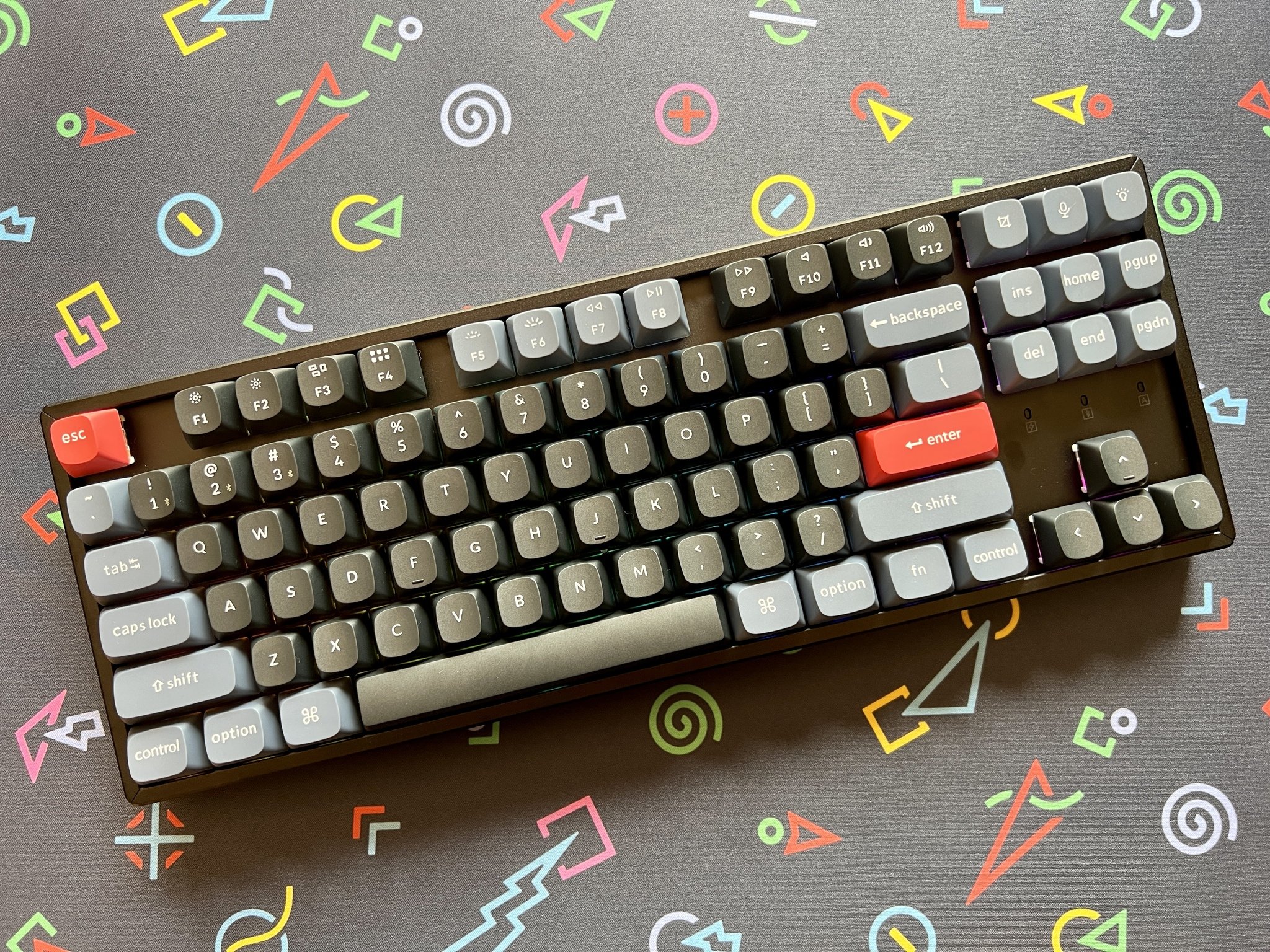
Hot-swappable mechanical switches and full QMK programmability in a tenkeyless wireless board.
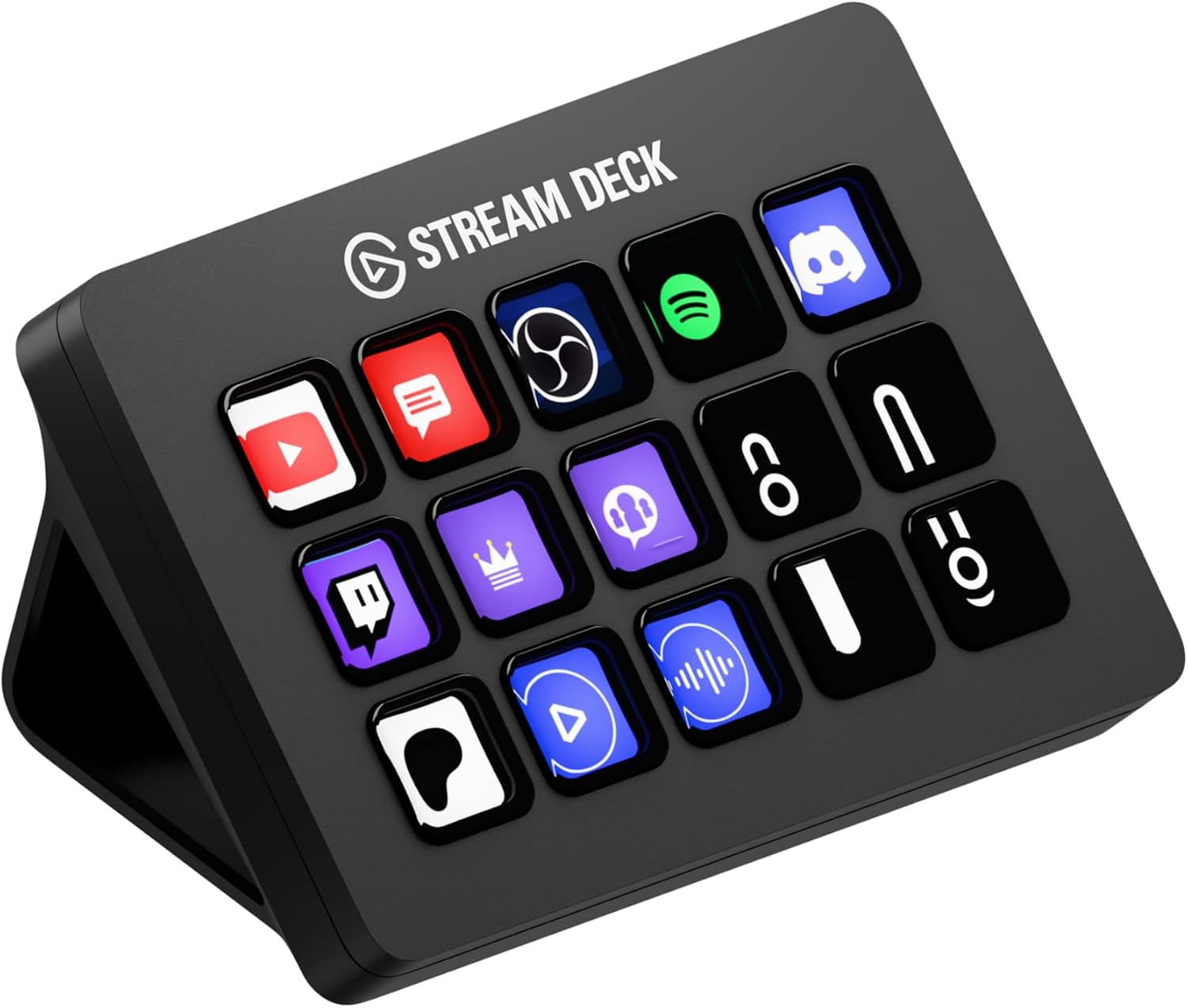
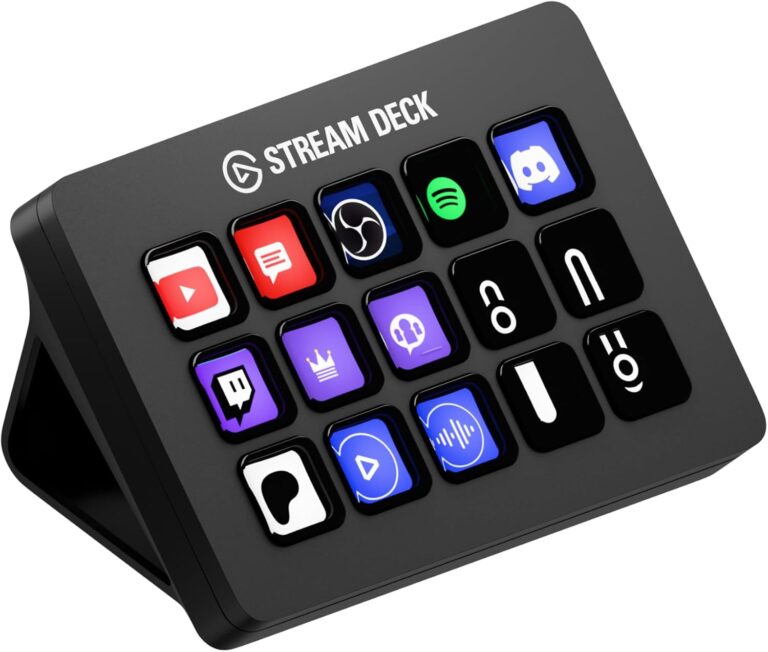
15 customizable LCD keys that trigger app shortcuts, macros, and scene switches with one tap.
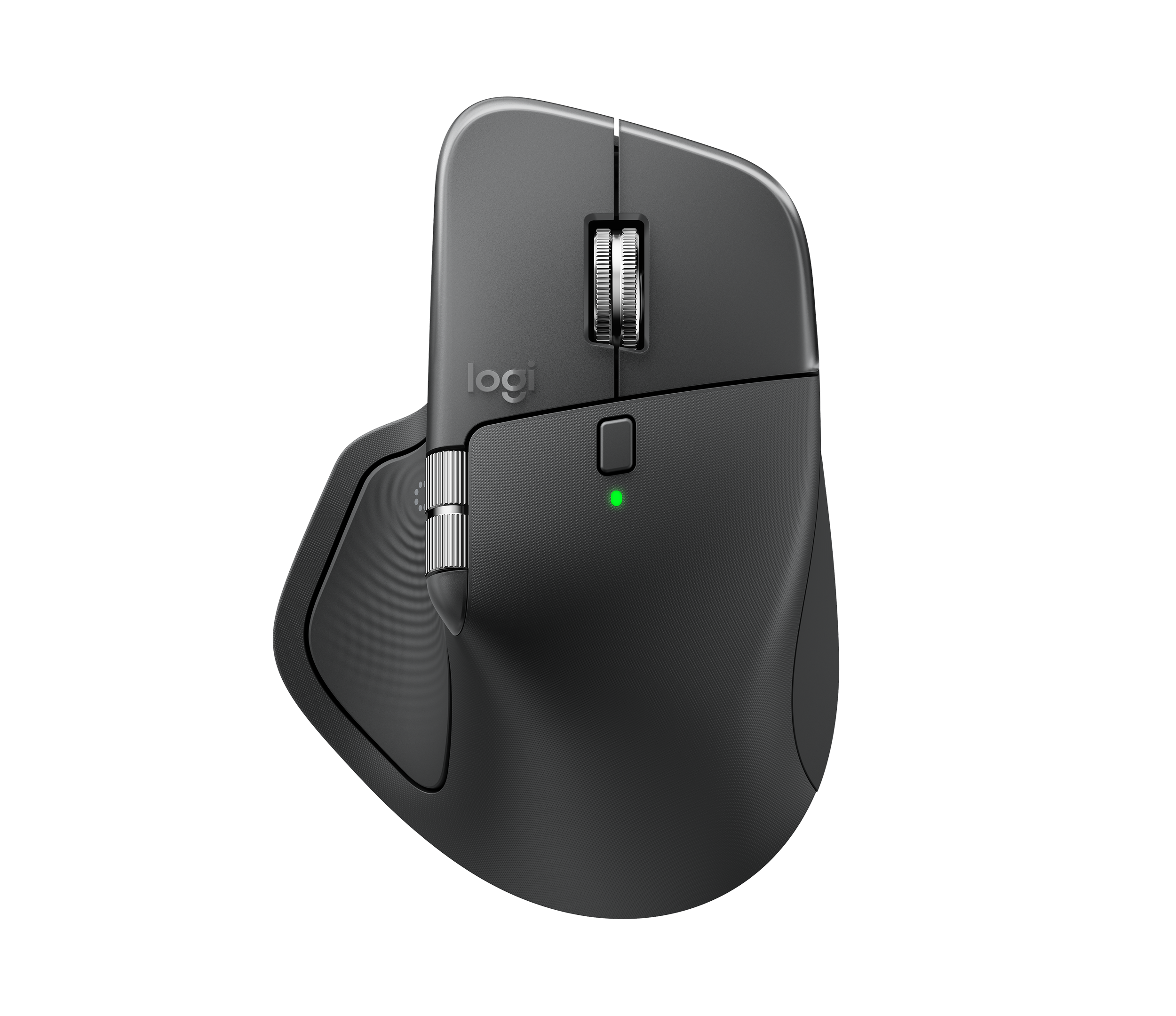
An ergonomic palm shape, Darkfield sensor, and MagSpeed scroll wheel built for hours at a desk.
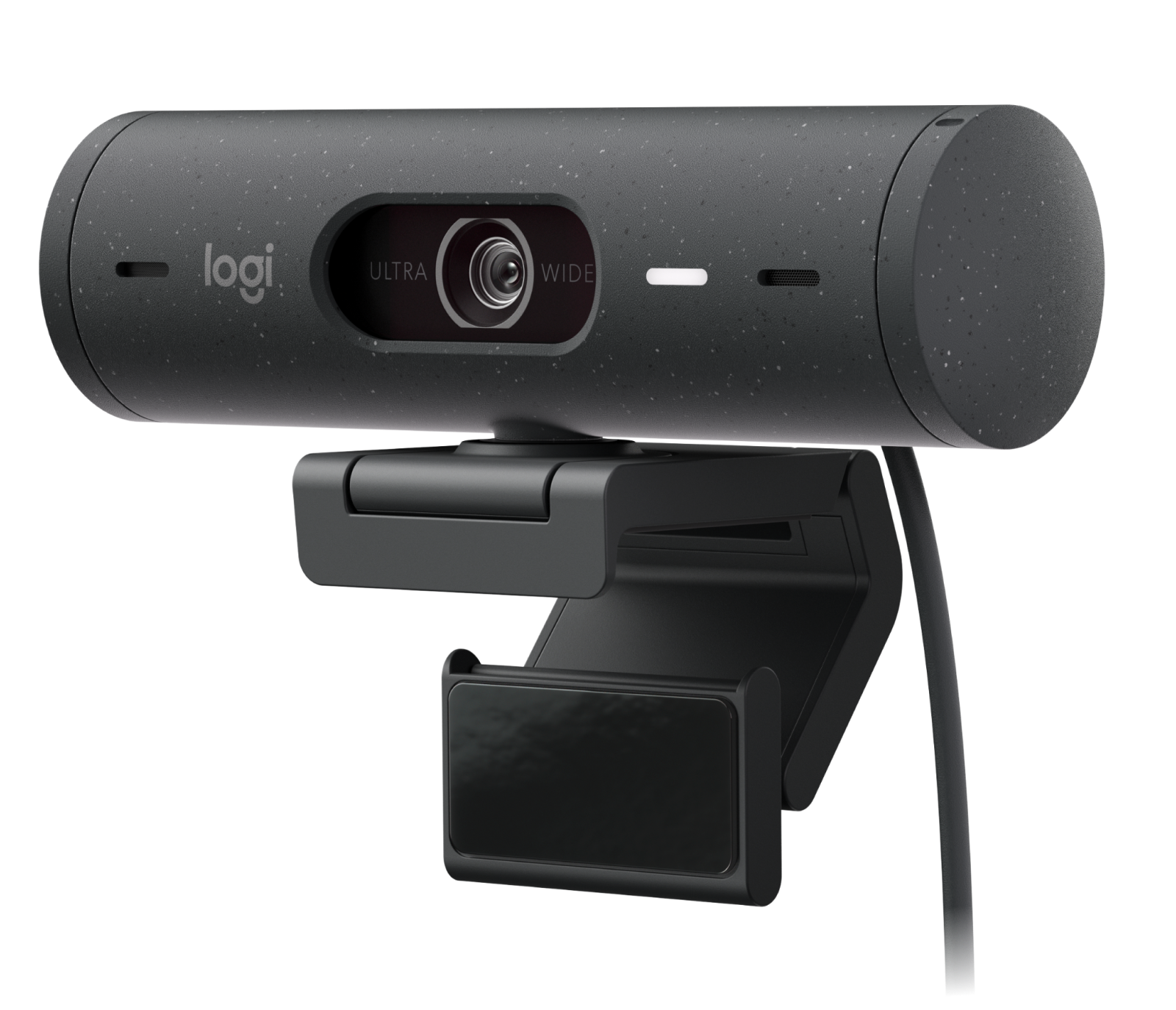
Full HD video with automatic light correction, a magnetic mount, and a physical privacy shutter for calls.
Most desk upgrades chase comfort — a better chair, a monitor arm, a footrest. This roundup covers the other half of the desk: the four accessories that change how fast and how well the actual work gets done. Each one solves a specific friction point, from a keyboard that mushes every keystroke together to a webcam that makes every video call look like it’s lit by an overhead fluorescent tube.
1. Keychron K8 Pro — Best Overall
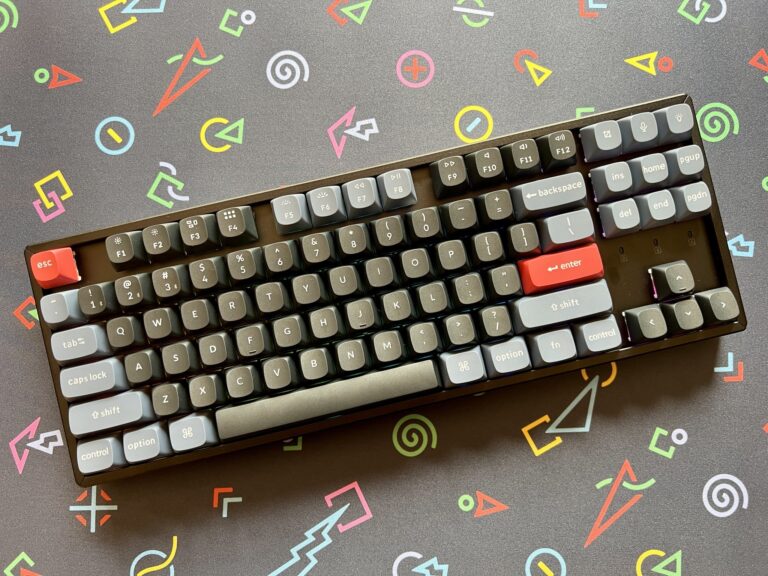
The K8 Pro is an 87-key tenkeyless mechanical board with hot-swappable switches, so a typing feel that gets old can be swapped out without a soldering iron. Full QMK programmability means every key can be remapped, and Bluetooth 5.1 lets it pair cleanly across multiple devices without a dongle taking up a USB port.
It’s the pick that changes daily typing feel the most directly — a membrane keyboard mushes every keystroke into the same flat click, and switching off one removes that friction from every single task done at a computer that day.
Best for: anyone who types for a living and hasn’t upgraded their keyboard in years.
2. Elgato Stream Deck MK.2 — Best for Workflow Automation
Fifteen customizable LCD keys turn multi-step actions — muting a call, switching scenes, launching a project folder, posting a saved reply — into a single tap. It’s built for streamers, but the plugin ecosystem covers plenty of non-streaming software too: Zoom, Teams, OBS, Photoshop, and most major productivity apps have community-built profiles ready to install.
The learning curve is the setup itself, not daily use: once a profile is built for a specific workflow, the payoff compounds every day that workflow gets repeated.
Best for: hybrid workers who run the same multi-app routine every day and want to collapse it into single taps.
3. Logitech MX Master 4 — Best Productivity Mouse
The MX Master 4 is Logitech’s flagship desk mouse, built around an ergonomic palm shape, a precise Darkfield sensor that tracks on glass, and the MagSpeed electromagnetic scroll wheel that free-spins for fast document scrolling and clicks into ratchet mode for precise selection.
It pairs across three devices and switches between them with a single button, which matters most for anyone who moves between a work laptop and a personal machine throughout the day without wanting a second mouse on the desk.
Best for: desk-bound professionals who want the scroll wheel and multi-device switching to disappear into the background of daily work.
4. Logitech Brio 500 — Best Webcam Upgrade
The Brio 500 shoots Full HD with automatic light correction that compensates for the harsh overhead lighting most home offices actually have, instead of the flattering ring-light setup product photos assume. A magnetic mount attaches to most monitor tops without a clamp, and a physical privacy shutter closes over the lens when the camera isn’t in use.
It’s the smallest single upgrade on this list in terms of dollars spent, but for anyone on video calls most of the workday, it’s the one coworkers and clients actually notice.
Best for: remote and hybrid workers whose laptop or monitor camera makes every call look dim and washed out.
Quick Comparison
| Keychron K8 Pro | Elgato Stream Deck MK.2 | Logitech MX Master 4 | Logitech Brio 500 | |
|---|---|---|---|---|
| Price | Check Amazon for current pricing | Check Amazon for current pricing | Check Amazon for current pricing | Check Amazon for current pricing |
| Category | Mechanical keyboard | Workflow controller | Productivity mouse | Webcam |
| Connectivity | Bluetooth 5.1 / USB-C wired | USB-C wired | Bluetooth / Logi Bolt receiver | USB-C wired |
| Our Score | 4.5/5 | 4.4/5 | 4.3/5 | 4.2/5 |
The Final Word
None of these four accessories depend on each other — pick the one that matches the biggest daily friction point, not the whole set. A writer or developer feels the Keychron K8 Pro on every keystroke; someone juggling five apps in a single workflow gets the most out of the Stream Deck; anyone glued to a mouse all day benefits most from the MX Master 4; and remote workers on back-to-back video calls will notice the Brio 500 before anything else on this list.
Browse all Office & Productivity reviews →Office & Productivity reviews → or check our full roundups.
Frequently Asked Questions
Do I need the Stream Deck if I don’t stream?
Can the Keychron K8 Pro switch between multiple devices?
Does the MX Master 4 work across multiple computers?
What does the Brio 500’s privacy shutter do?
Which of these four upgrades matters most for typing all day?