Gaming Monitor Buying Guide 2026: What Actually Matters
Refresh rate and panel type decide almost everything about how a gaming monitor feels in use — here’s what the numbers actually mean before you spend.

How We Researched
3 monitors evaluated across the refresh-rate and panel-type spectrum — Fast TN, standard IPS, and QD-OLED — using published specs, manufacturer data, and independent testing coverage. No manufacturer paid for placement.
* As an Amazon Associate I earn from qualifying purchases. Disclosure
What You’ll Learn
- How to tell if you actually need 240Hz+, or if a lower refresh rate is enough
- The real visual difference between OLED, IPS, and TN panels
- Why 4K/240Hz needs a very different budget than 1440p/240Hz
- Which panel type risks burn-in, and which doesn’t
- How to match resolution and refresh rate to your GPU, not just your wallet
3 monitors in this guide
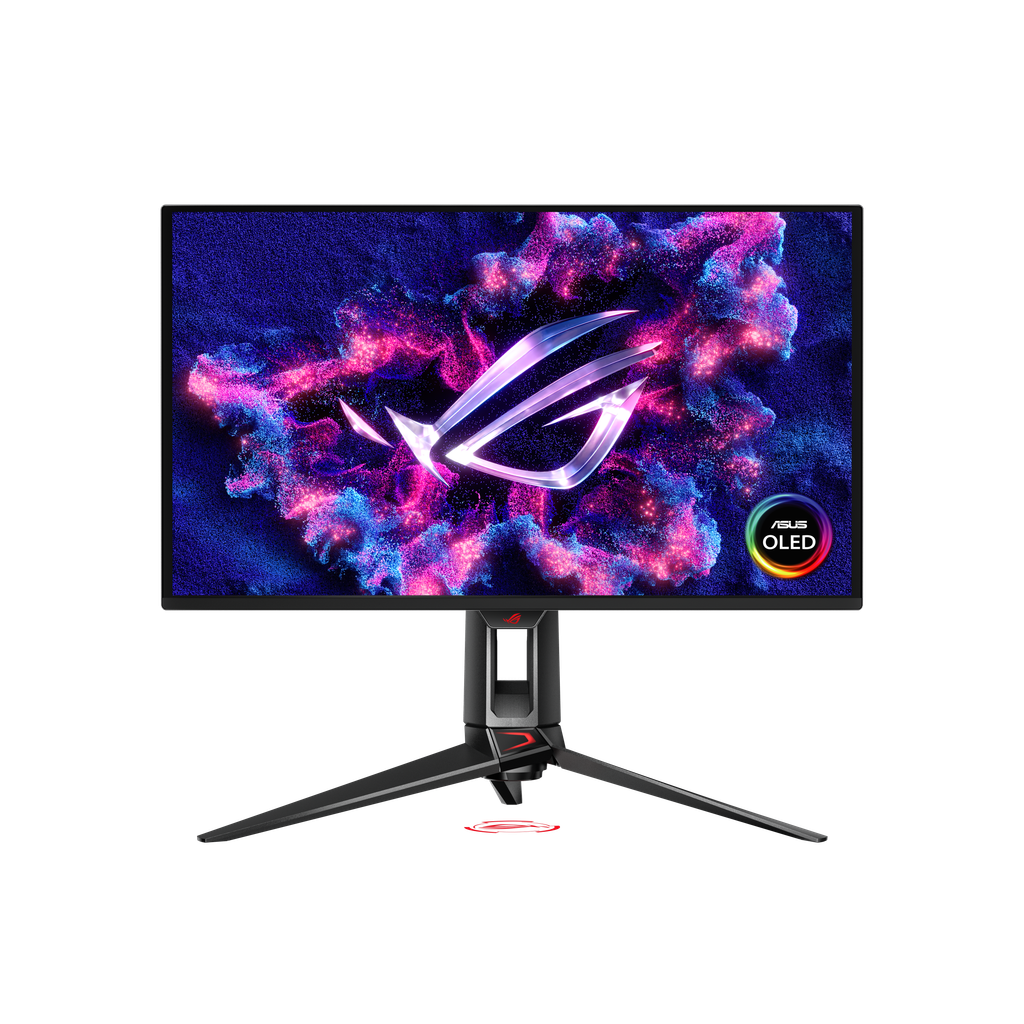
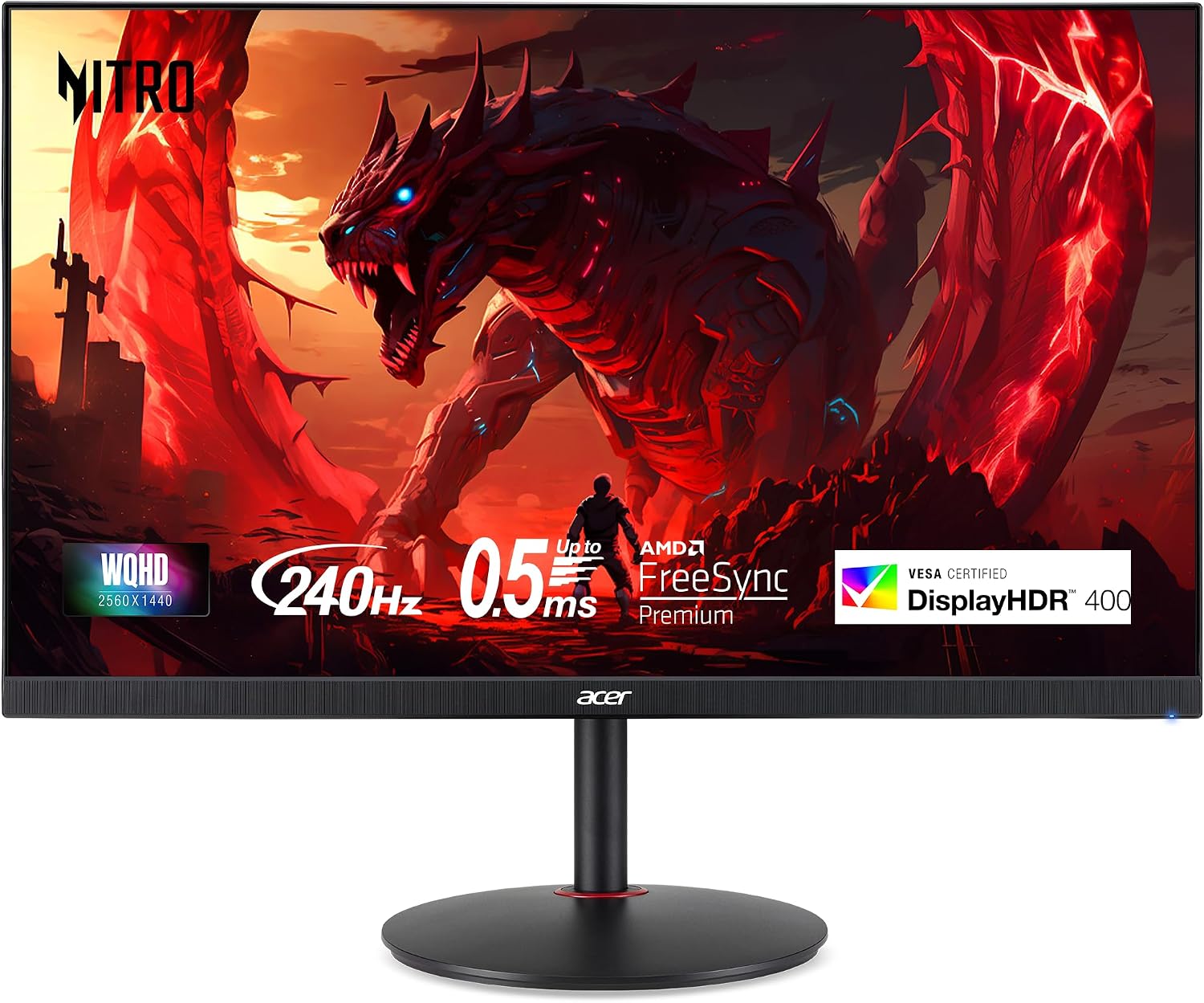
Shopping for a gaming monitor now means picking between two headline specs — refresh rate and panel type — that get marketed with big numbers but rarely explained. A monitor with a bigger number on the box isn’t automatically the right pick for your setup, your GPU, or your genre of choice. This guide breaks down what refresh rate and panel type actually change in practice, using three monitors that sit at very different points on that spectrum.
Refresh Rate: How High Do You Actually Need?
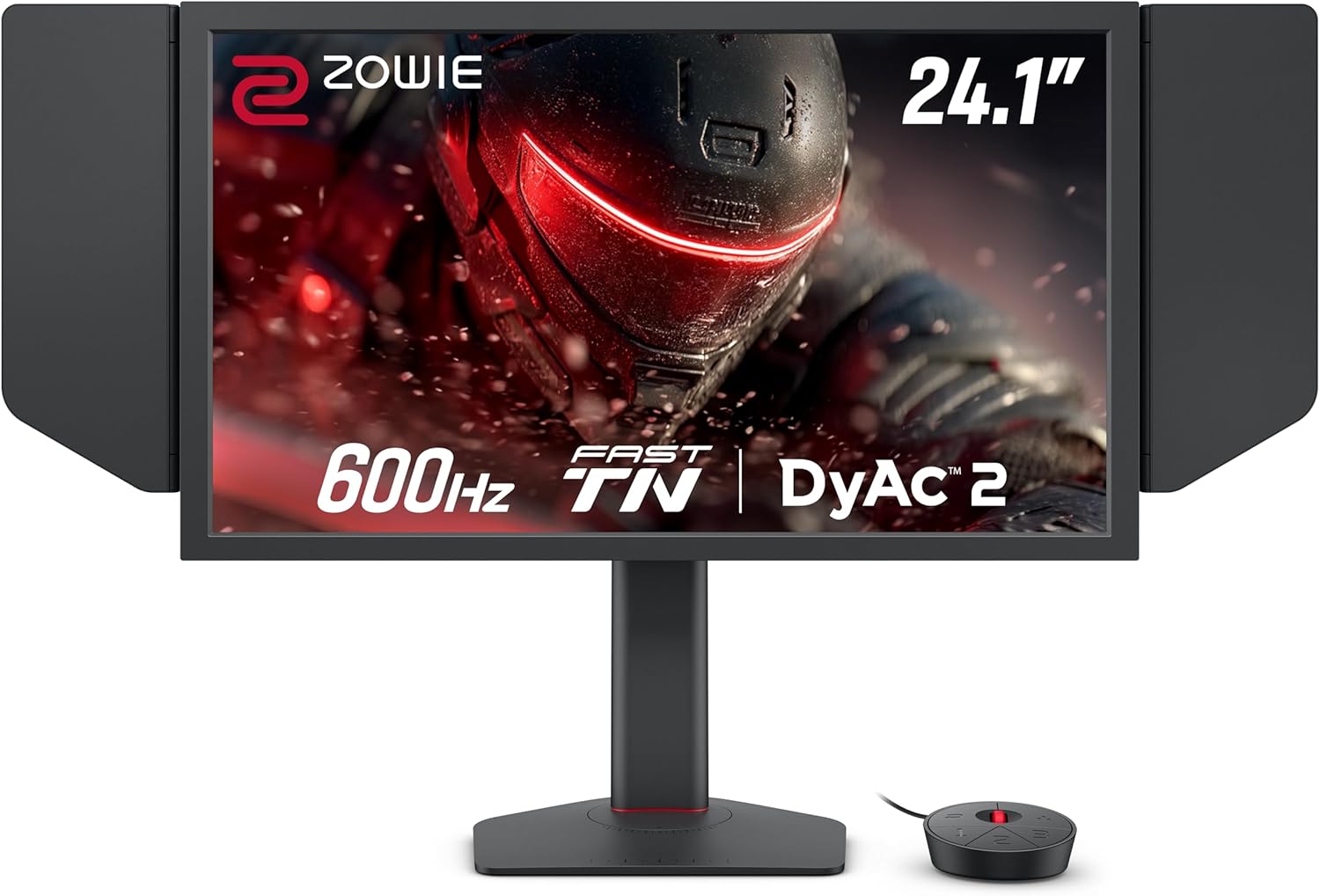
Refresh rate measures how many times per second a monitor redraws the image — 60 times for a standard 60Hz display, up to 600 times for the fastest esports panels on the market. Higher refresh rates reduce motion blur and make fast-moving objects easier to track, which is why competitive shooters lean so heavily on the spec.
The catch is that a higher refresh rate only helps if your graphics card can actually produce enough frames to fill it — a 600Hz panel paired with a GPU that tops out at 150fps in a given game gets none of the benefit.
When it matters: Fast-paced competitive titles (shooters, fighting games) where reaction time and target tracking decide outcomes, and you already have a GPU capable of triple-digit frame rates.
When it doesn’t: Single-player, story-driven, or strategy games, where 60-144Hz is enough to feel smooth and the difference above that is barely perceptible.
Match refresh rate to your GPU’s real frame rate in the games you actually play — buying more Hz than your hardware can use is money spent on a number, not an experience.
Panel Type: OLED, IPS, or TN?
Panel type decides color, contrast, and viewing angle far more than refresh rate does. OLED panels produce true per-pixel blacks and the highest contrast of any current display technology, IPS panels offer strong, consistent color at a more moderate price, and Fast TN panels trade color accuracy and viewing angle for the lowest possible response times.
OLED’s main long-term risk is burn-in from static on-screen elements (HUDs, taskbars) left up for extended periods — manufacturers have added pixel-shifting and dimming safeguards, but it remains a real consideration for anyone who also uses an OLED monitor for desktop work. RTINGS.com’s monitor testing has repeatedly measured OLED response times in the 0.03-1ms range, well under the 1-4ms typical of most IPS panels, which is the main reason OLED gaming monitors also market themselves on motion clarity, not just color.
When it matters: Single-player and cinematic games where visual fidelity, HDR contrast, and color are the whole point of the experience.
When it doesn’t: Competitive esports play, where TN’s speed advantage outweighs OLED’s picture quality for players focused purely on winning.
Pick OLED for how games look, IPS for a balance of both, and Fast TN only if you play almost exclusively competitive titles and know the resolution trade-off going in.
Resolution vs. Frame Rate: Finding Your Sweet Spot
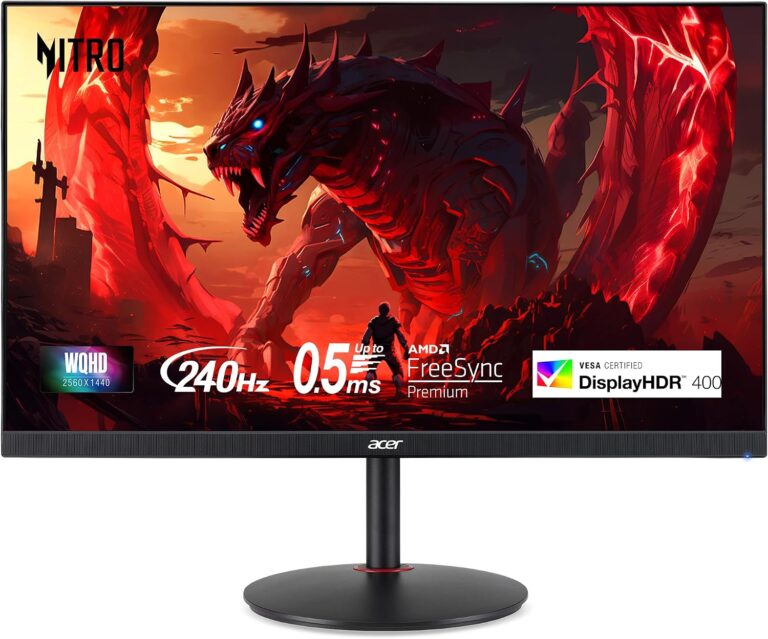
Resolution and refresh rate compete for the same GPU budget — pushing more pixels at a high frame rate takes dramatically more graphics horsepower than pushing fewer pixels at that same rate. That’s why 1440p at 240Hz is a far more attainable combination for most gaming PCs than 4K at 240Hz, which realistically needs a flagship GPU to sustain.
A 1440p panel in the 240Hz range hits a genuine middle ground: sharp enough to notice the upgrade from 1080p, fast enough for competitive play, and light enough on GPU demand that a mid-range graphics card can actually keep up.
When it matters: Building a new gaming PC around a mid-range GPU, where matching resolution to realistic frame rates avoids overspending on a panel your hardware can’t fully use.
When it doesn’t: If you already own a high-end GPU with headroom to spare — in that case, chasing a higher resolution or refresh ceiling makes more sense.
1440p at 240Hz is the resolution/refresh combination most gaming PCs can actually sustain — it’s worth checking your GPU’s real frame rates before chasing 4K or 600Hz.
| BenQ Zowie XL2586X+ | ASUS ROG Swift OLED PG27UCDM | Acer Nitro XV272U W2 | |
|---|---|---|---|
| Price (USD) | $999.99 | $1,099 | $219.99 |
| Price (CAD) | $2,452 | $1,281 | $424.61 |
| Panel Type | Fast TN | QD-OLED | IPS |
| Resolution | 1080p | 4K | 1440p |
| Refresh Rate | 600Hz | 240Hz | 240Hz |
| Our Score | 4.5/5 | 4.4/5 | 4.4/5 |
Our Verdict
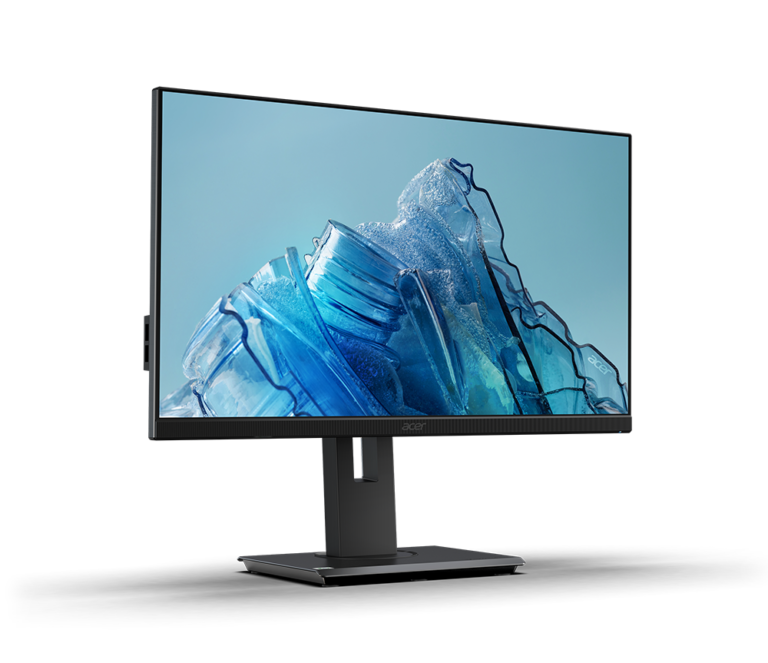
There’s no single “best” refresh rate or panel type — the right combination depends entirely on what you play. Competitive esports players get more real benefit from the BenQ Zowie XL2586X+’s 600Hz TN panel than from any amount of extra resolution. Anyone who wants a gaming monitor to also look genuinely great gets the most from the ASUS ROG Swift OLED PG27UCDM’s 4K OLED image. And for a first serious upgrade from a budget 1080p display, the Acer Nitro XV272U W2’s 1440p/240Hz IPS panel is the combination most gaming PCs can actually drive at full speed.
Buy the BenQ if your genre is entirely competitive shooters. Buy the ASUS if picture quality matters as much as frame rate. Buy the Acer if you want the biggest practical upgrade per dollar.
Frequently Asked Questions
Is a 600Hz monitor actually worth it over 240Hz?
Should I worry about OLED burn-in on a gaming monitor?
Is 1440p or 4K the better choice for a gaming monitor right now?
Does panel type or refresh rate matter more for competitive gaming?
Can I use a TN panel monitor for everyday desktop work too?
Which One Is Right for You?
Best for Esports
Bottom line: The fastest refresh rate available, built specifically for competitive esports play.
Best Picture Quality
Bottom line: The sharpest, most cinematic image in this comparison, with genuine per-pixel HDR contrast.
Best Value
Bottom line: The most practical upgrade for most gaming PCs — sharp, fast, and inexpensive.