Best Back-to-School Tech Essentials 2026: Top 3 Picks
A capable budget laptop, a pair of noise-cancelling earbuds, and a pocket power bank — the three tech picks that actually matter once classes start.

How We Researched
We evaluated 3 back-to-school tech products against Consumer Reports lab testing, RTINGS.com noise-cancellation measurements, and Trusted Reviews’ battery-capacity testing, then cross-checked pricing and availability on Amazon.com and Amazon.ca. No manufacturer paid for placement.
* As an Amazon Associate I earn from qualifying purchases. Disclosure
What You’ll Learn
- Which budget laptop configuration actually has enough RAM for coursework
- How much real-world noise cancellation you get from premium earbuds
- Whether a compact power bank can realistically get you through a full day on campus
- Where the price-to-capability trade-offs are on each pick
- Which of these three is the smartest first purchase if you’re on a tight budget
The ranking
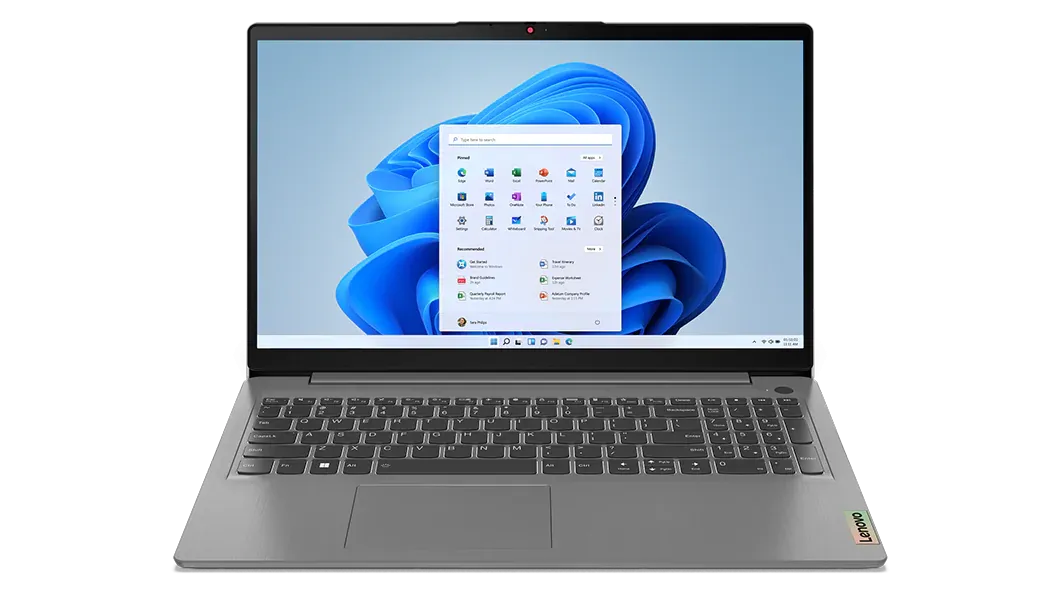
16GB RAM, 512GB SSD, and a 13.75-hour battery for $535 — the configuration that actually handles a full course load.
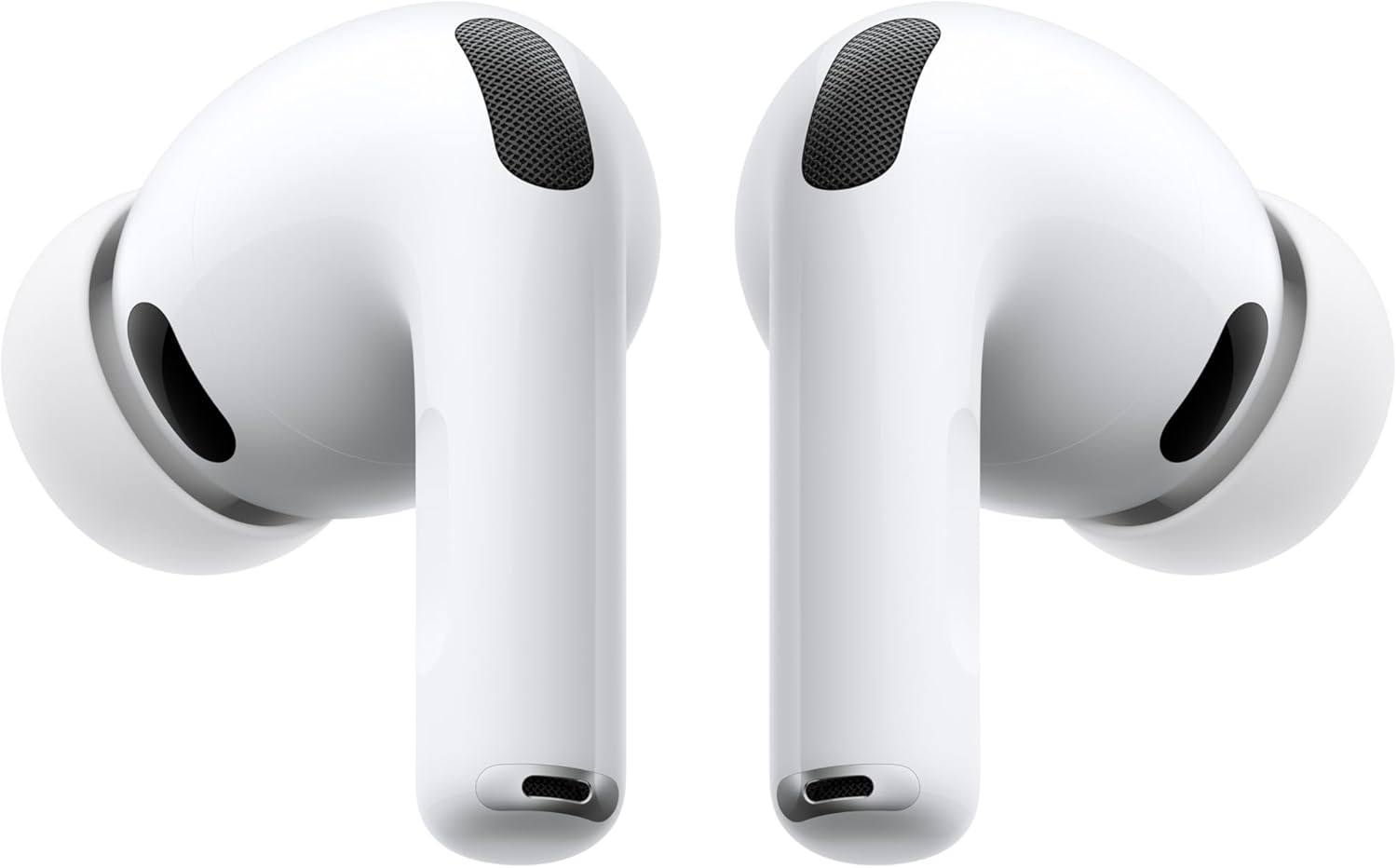
RTINGS.com-tested ANC that beat every other earbud in its comparison group — genuinely useful in a loud lecture hall or library.
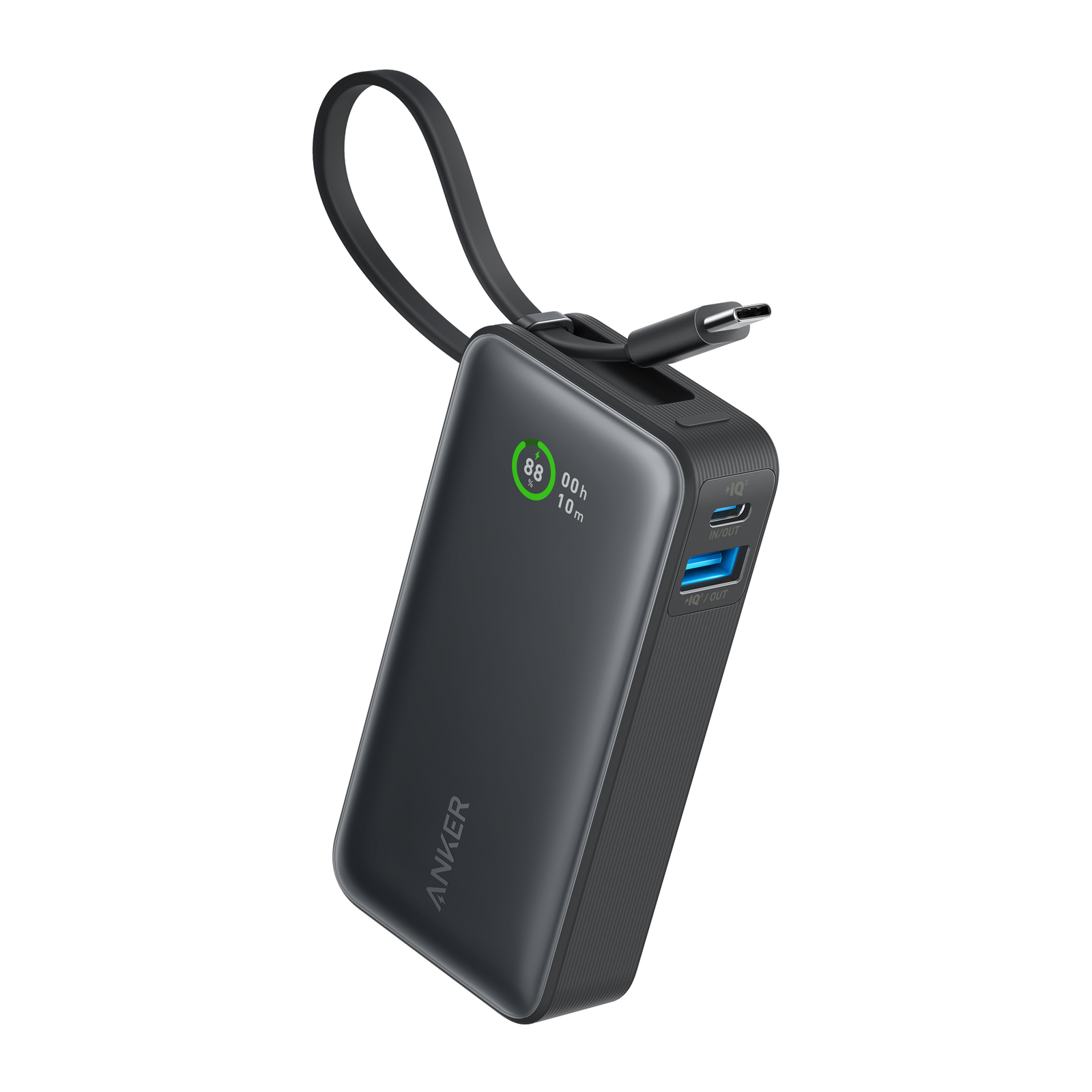
A built-in USB-C cable and 30W charging in a pocket-sized 10,000mAh cell — the cheapest and smallest pick on this list.
Back-to-school tech shopping gets overwhelming fast, so we narrowed it to three purchases that solve real, recurring problems on campus: a laptop that won’t choke on multiple browser tabs, earbuds that actually block out a noisy dorm or bus ride, and a power bank small enough to live in a backpack pocket all semester. Every pick below has a published review on this site backed by named third-party testing — no in-house lab claims.
1. Lenovo IdeaPad Slim 3i — Best Overall Laptop
Most budget-laptop shopping comes down to RAM, and this is where the IdeaPad Slim 3i earns its spot: a 13th Gen Intel Core i5-1335U paired with 16GB of RAM and a 512GB SSD for $535, at a point where many similarly priced listings under the same model name still ship with only 8GB. Consumer Reports tested this exact processor configuration and called it “adequate for common tasks such as web browsing, video conferencing, and application startup” — the everyday mix a full course load actually demands.
Battery life is the other reason it tops this list: Consumer Reports clocked 13.75 hours in light web browsing and 10.25 hours under heavier 4K video playback, enough to skip a charger for a full day of back-to-back classes. It does have a real ceiling — Consumer Reports found it “slow for manipulating images, editing videos, and calculating simulations” — so film, design, or CAD students should look at a discrete-GPU laptop instead.
Best for: students who need a laptop that survives an all-day class schedule without needing to hunt for an outlet.
2. Apple AirPods Pro (3rd Gen) — Best Noise-Cancelling Earbuds
A noisy dining hall, a shared dorm room, or a bus ride to an 8am lecture all have the same fix: real active noise cancellation. RTINGS.com’s independent lab testing found the AirPods Pro 3rd Gen outperformed every other earbud in its comparison group, and Apple’s rated 8-hour battery life with ANC active is a genuine 33% improvement over the previous generation, confirmed in that same testing.
The catch is ecosystem lock-in: Personalized Spatial Audio, automatic device switching, and Personalized EQ all require an iPhone or Mac to unlock fully — Android users lose most of that value and should look at a cross-platform alternative instead. The built-in heart-rate sensor is a nice extra for workouts, though PCMag noted it noticeably shortens battery life when left active.
Best for: Apple-ecosystem students who need to actually concentrate in loud shared spaces.
3. Anker Nano Power Bank 10K — Best Budget Power Bank
At $27.99, this is the cheapest item on the list and the easiest impulse buy — but it earns its place on merit, not just price. The built-in USB-C cable means there’s nothing extra to pack or lose in a backpack’s front pocket, and it recharges itself at up to 30W through that same port. Trusted Reviews measured 9,805mAh of usable capacity out of the rated 10,000mAh cell (76.9% efficiency) and specifically praised the on-screen battery percentage readout for staying accurate “until it is well and truly finished,” rather than jumping straight from a high number to empty.
The trade-off is output speed: Trusted Reviews’ lab testing measured real-world output peaking around 24W rather than the full 30W rating, which is plenty for an iPhone but a step behind newer Android flagships that can pull more. Anyone charging two devices at once, or a phone that fast-charges past 24W, should look at the UGREEN Nexode Pro instead.
Best for: anyone who wants a permanent backpack-pocket charger without spending more than $30.
Quick Comparison
| Lenovo IdeaPad Slim 3i | Apple AirPods Pro (3rd Gen) | Anker Nano Power Bank 10K | |
|---|---|---|---|
| Price (USD) | $562.66 | $225 | $49.99 |
| Category | Laptop | Earbuds | Power bank |
| Key spec | 16GB RAM / 512GB SSD | ~90% ANC (RTINGS) | 10,000mAh / 30W |
| Tested battery life | 13.75 hrs (light use) | 8 hrs with ANC | 9,805mAh usable |
| Our Score | 3.9/5 | 4.4/5 | 4.1/5 |
The Final Word
If you can only make one purchase this fall, make it the laptop — a machine that can’t keep up with coursework is the one back-to-school gap that actually derails a semester. But the AirPods Pro and the Anker power bank both solve real, everyday annoyances for under $160 combined, and neither requires giving up much to fit a student budget. Together, these three cover the tech that actually gets used every single day on campus, not just the tech that looks good in a dorm-room unboxing video.
Browse all Tech & Gadgets reviews →Tech & Gadgets reviews → for more back-to-school picks.
Frequently Asked Questions
Is 16GB of RAM actually necessary for a student laptop, or is 8GB enough?
Do the AirPods Pro’s noise-cancellation and Spatial Audio features work on Android?
Will a 10,000mAh power bank actually charge a phone through a full day of classes?
Which of these three is the best value if I’m on a tight budget?
Does the Lenovo IdeaPad Slim 3i have enough graphics power for design or video-editing coursework?