Best OBD2 Scanners 2026: Bluetooth Picks, Budget to Pro
Three Bluetooth scanners that turn a check-engine light into a real answer, from a low-cost plain-English reader to an enthusiast adapter built for live data.

How We Researched
Three Bluetooth OBD2 scanners, each with a full review on this site, cross-checked against published testing from OBDAdvisor, The Drive, Tom’s Guide, Pocket-lint and The Track Ahead, plus manufacturer specifications. AI-assisted secondary research and writing. No paid placement: badges and scores reflect editorial judgment only.
* As an Amazon Associate I earn from qualifying purchases. Disclosure
What You’ll Learn
- OBDLink MX+: the fast, app-friendly pick for data logging
- BlueDriver Pro: ABS and airbag codes with no subscription
- FIXD: a low-cost sensor that stops at engine codes
- Why a subscription changes the real cost of a scanner
The ranking
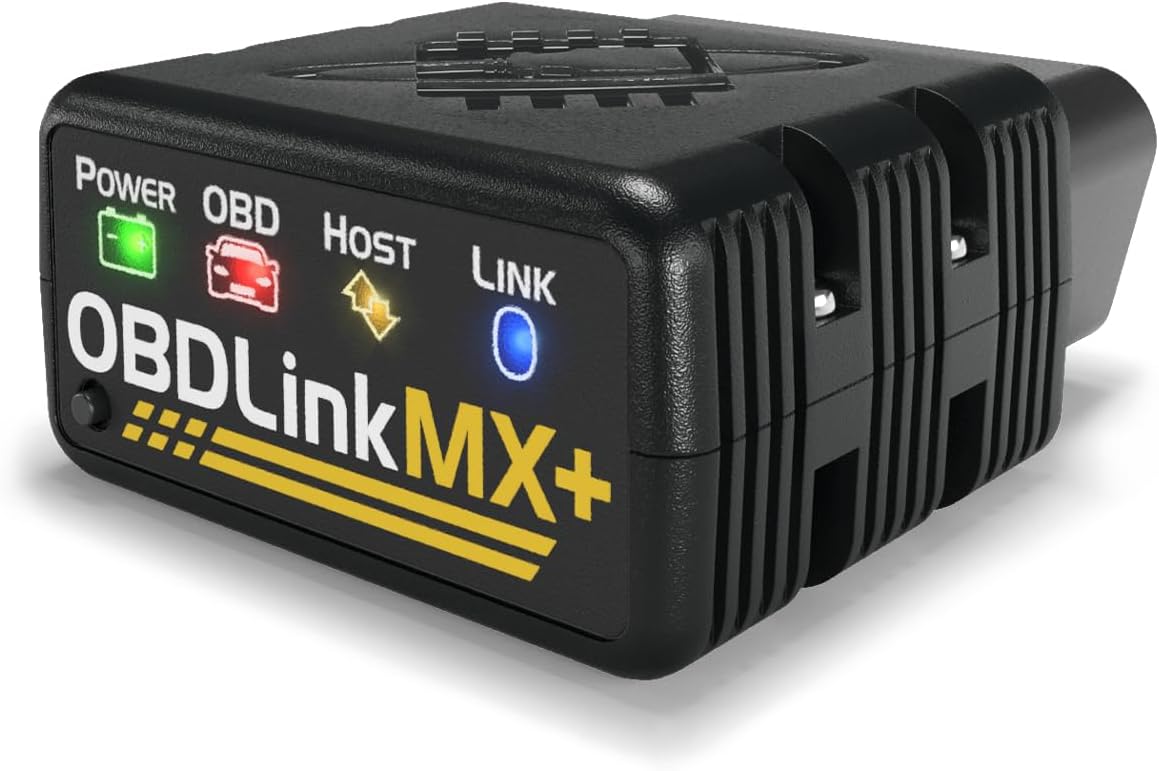
Fast live data, Windows and Torque support, and no subscription. The pick for owners who want to log and graph, not just read a code.
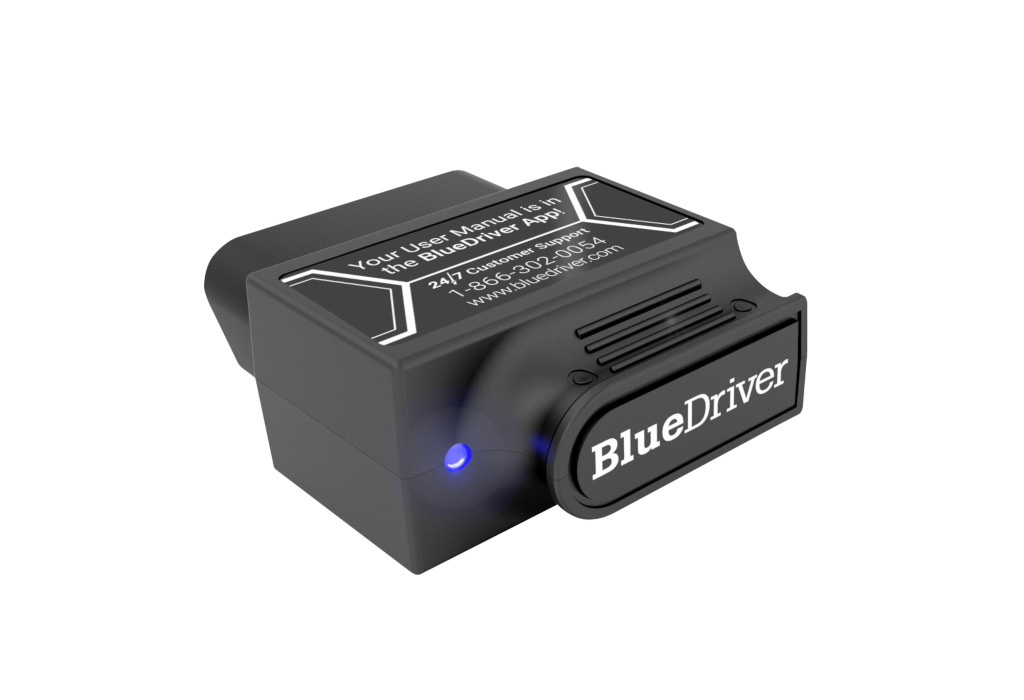
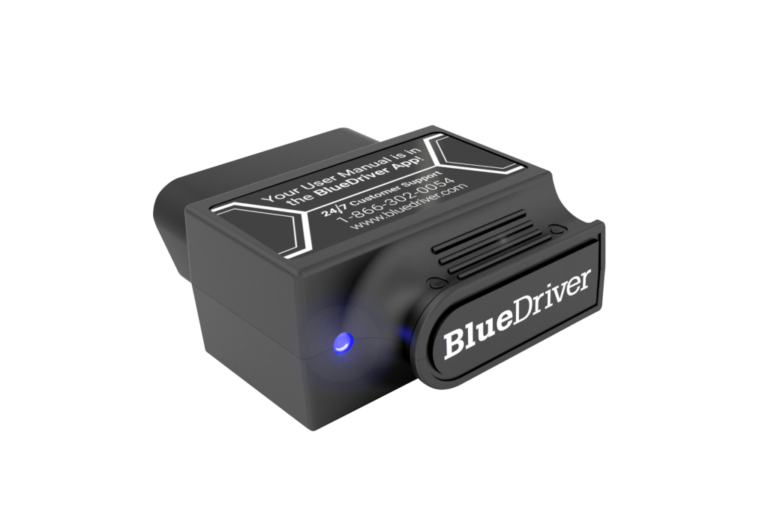
ABS, airbag and TPMS codes on 13 make groups, plus Repair Reports, with no subscription. The easiest step up from a plain code reader.
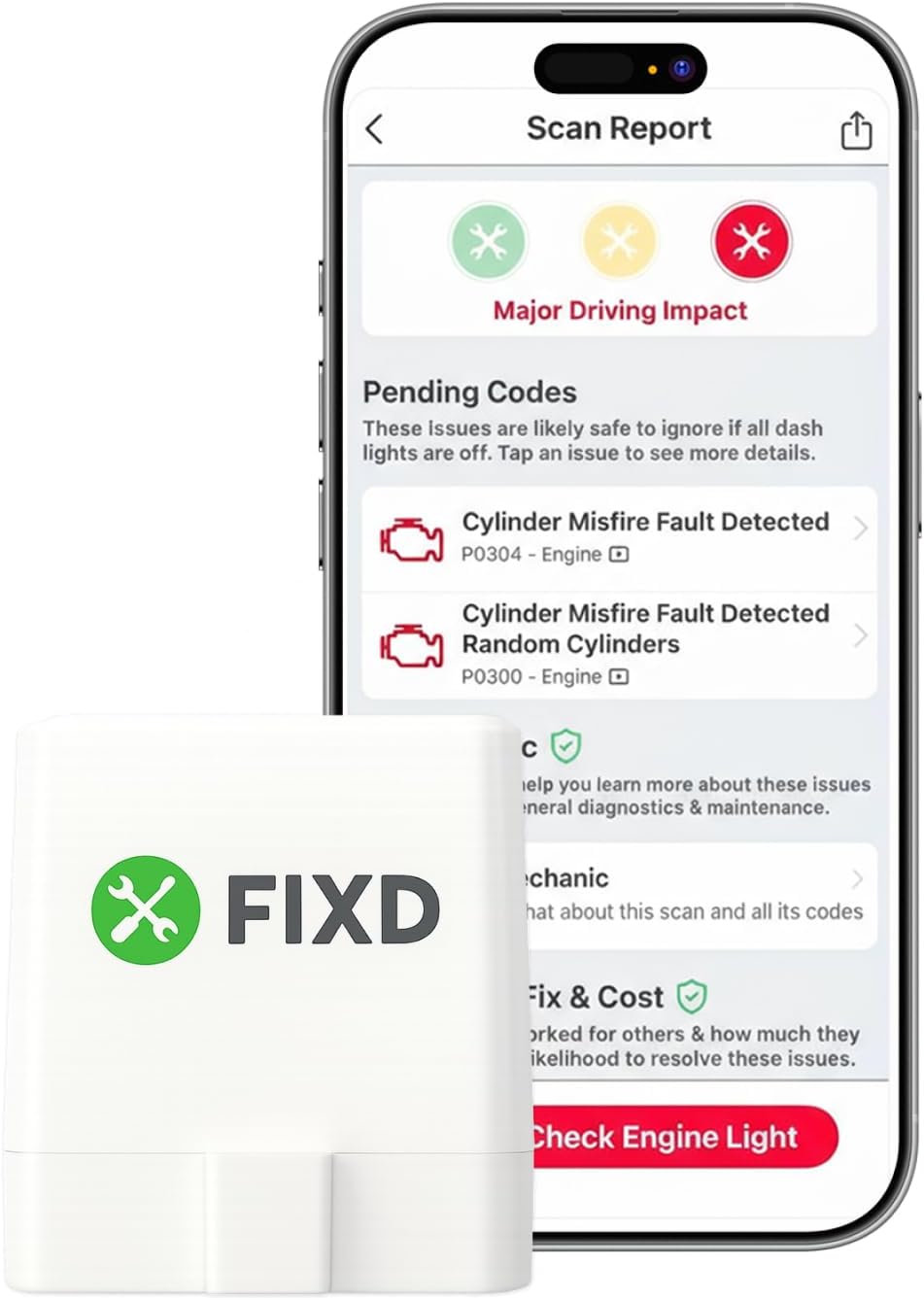
A free app that explains engine codes in plain English on a low-priced sensor. It stops at engine codes, and its best extras need Premium.
The best OBD2 scanners do one job well: they tell a driver what a lit dashboard light means before a shop visit does. We picked three Bluetooth scanners that cover the real range of that decision, a low-cost plain-English reader, a no-subscription option that reaches ABS and airbag systems, and an enthusiast adapter for live data, and checked each against published testing from OBDAdvisor, The Drive, Tom’s Guide and The Track Ahead. The top score goes to the enthusiast pick, but most households will want to start with number two.
1. OBDLink MX+ — Best for Live Data & Apps
The MX+ is the pick for anyone who wants to watch data, not only read a code. OBDAdvisor says its live data refresh rates are consistently rated among the fastest, and The Drive’s Tony Markovich found it responsive on a 2003 Acura RSX, with real-time gauges updating right away as he accelerated. It also works with Torque, FORScan Lite, DashCommand, RealDash and AlfaOBD on iPhone, Android or Windows, so the hardware is not tied to one company’s app.
The costs are price and complexity. It is the most expensive scanner in this guide, The Drive called the official app overwhelming, and ABS and airbag access depends on the vehicle and the app. The Drive also reports no true bi-directional control for service functions such as ABS bleeding unless a third-party app adds it.
Best for: owners who log data, run Torque or FORScan Lite, or drive a Ford or GM that benefits from the extra network access.
2. BlueDriver Bluetooth Pro — Best for Most Drivers
BlueDriver’s argument is coverage without a plan. The company says it reads ABS, airbag, SRS and TPMS codes across 13 make groups, and each code carries a Repair Report that ranks likely fixes by how often each one solved the problem. There is no subscription, which OBDAdvisor lists among its main strengths, and Tom’s Guide reported that it connected on the first try with the BlueDriver Android app on a Galaxy S9.
Speed is the weak spot. OBDAdvisor reports live data refreshing every four to five seconds on the original Pro’s older Bluetooth radio, and both Pocket-lint and OBDAdvisor note there is no bi-directional support. BlueDriver also sells a separate Next-Gen model aimed at newer trucks and late-model platforms, so owners of a recent full-size truck should check its compatibility pages before choosing.
Best for: households with one to three cars that want to know what a warning light means, including a brake or airbag light, before paying a shop.
3. FIXD Bluetooth OBD2 Scanner — Best Low-Cost Starter
FIXD is the gentlest starting point. According to FIXD, the free app decodes more than 7,000 error codes into plain English and marks each as minor or major, and The Track Ahead found that it paired without hiccups, read and cleared codes without issues, and suits people unfamiliar with cars.
The limits are firm. OBDAdvisor reports engine codes only, with no ABS, airbag or transmission access at any tier and no Mode 6, and the most useful extras sit behind a Premium plan that verified owners say they were enrolled in after the trial. Treat the trial as a decision to make, not a default.
Best for: first-time car owners who want a check-engine light translated into plain English and do not need brake or airbag codes.
Quick Comparison
| OBDLink MX+ | BlueDriver Bluetooth Pro | FIXD Bluetooth OBD2 Scanner | |
|---|---|---|---|
| Price (USD) | $139.95 | $139.95 | $39.99 |
| Price (CAD) | $209.95 | $129.95 | $66.99 |
| Ongoing cost | None | None | Optional Premium plan |
| Beyond engine codes | ABS, SRS via app and vehicle support; Ford and GM networks | ABS, SRS, TPMS on 13 make groups | None (engine codes only) |
| Apps | OBDLink app plus Torque, FORScan Lite, DashCommand and others | BlueDriver app only | FIXD app |
| Platforms | iPhone, Android, Windows | iPhone, Android | iPhone, Android |
| Our Score | 4.3/5 | 4.1/5 | 3.6/5 |
The Final Word
Each of these asks for a trade that the price tag does not show: FIXD’s is a recurring plan and engine-only coverage, BlueDriver’s is slow live data, and the MX+’s is a learning curve. What decides it is which light is on the dash. If it is only the check-engine light, FIXD explains it in plain English. If it is a brake or airbag warning, BlueDriver lists the ABS and airbag systems it reads across 13 make groups. If the goal is to watch data change in real time, the MX+ is the tool, and it will keep working with whatever app comes next. Whichever one it is, check the maker’s compatibility list for the exact vehicle first, because enhanced coverage varies from make to make.
Browse all Automotive reviews →Automotive reviews → or see our Best Car Care & Driving Essentials guide →.
Frequently Asked Questions
Do I need a subscription to use an OBD2 scanner?
Can a cheap OBD2 scanner read ABS and airbag lights?
Is the OBDLink MX+ worth more than BlueDriver?
Will an OBD2 scanner work with Torque or other third-party apps?
Is FIXD the cheaper option over time?
Reader Poll
Which trade-off would you accept in an OBD2 scanner?
Help Our Editors Know What Matters to You
Explore on Amazon →