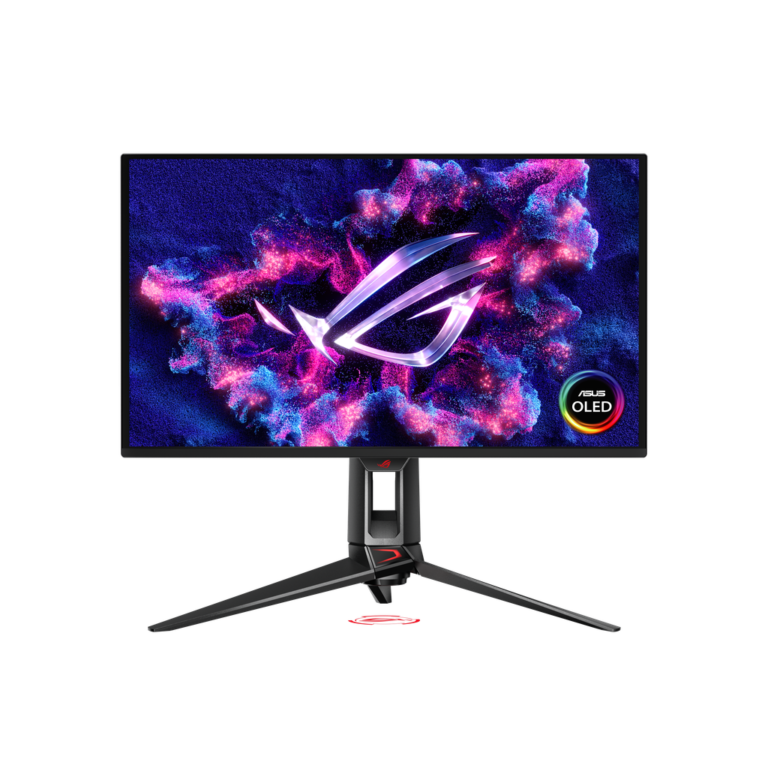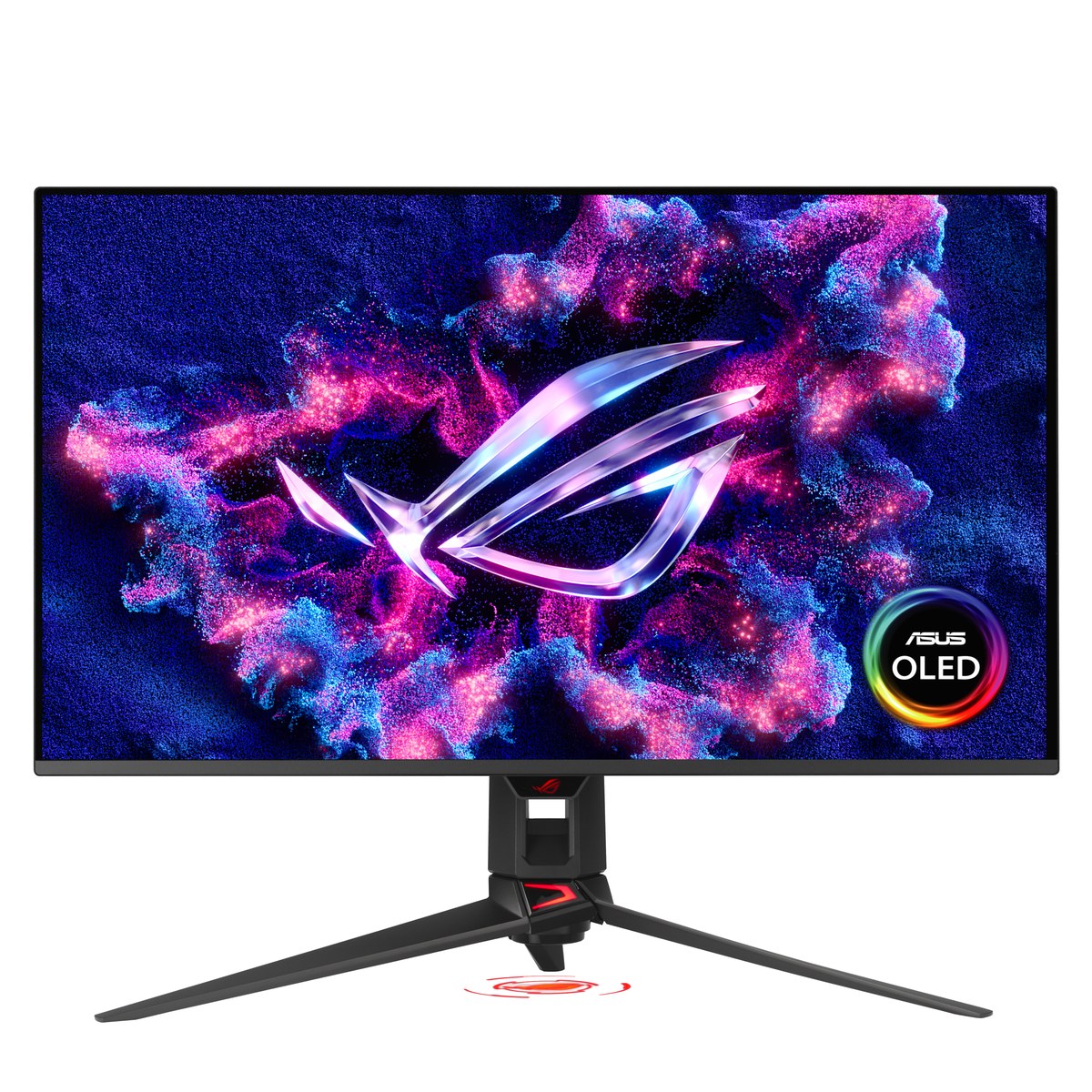
Buy the PG32UCDM3 if one 32-inch 4K screen has to cover fast PC gaming, console HDR and color-accurate work: testers measured near-instant response, very low lag and pro-level color straight out of the box. Its BlackShield film also keeps blacks deeper under room lights than earlier QD-OLEDs, and Canadian buyers get the same three-year warranty. The main trade-off is sound: there are no built-in speakers, so LG's 32GX870A fits better if you want them or a 480Hz mode.
Pros
- Pro-level color accuracy out of the box
- Near-instant response and very low input lag
- BlackShield film keeps blacks deeper in lit rooms
- Full-speed DisplayPort 2.1, 90W USB-C and KVM
- 3-year warranty that covers burn-in
Cons
- No built-in speakers
- No portrait pivot and a large tripod base
- Moderate VRR flicker in TFTCentral's testing
As an Amazon Associate I earn from qualifying purchases. Disclosure
Overview
ASUS has now built three versions of its 32-inch 4K OLED gaming monitor, and the third, the ROG Swift OLED PG32UCDM Gen 3 (model PG32UCDM3), has drawn some of the strongest verdicts in its class. Tom’s Hardware gave it an Editor’s Choice award and wrote that it “has no real flaws,” while PC Games Hardware called it probably the best 32-inch 4K 240Hz OLED available right now. It is a 240Hz QD-OLED for PC gamers with a graphics card strong enough to push high 4K frame rates, and it doubles as a console screen with both HDR10 and Dolby Vision.
For Canadian buyers, where to buy it matters as much as what changed. As of October 2026, its Amazon.ca listing was not selling it new, while ASUS Canada’s own online store listed it at $1,299.90 CAD. The hardware matches the US model. The panel is Samsung Display’s fourth-generation QD-OLED, which earns a DisplayHDR True Black 500 certification, and ASUS adds its BlackShield film, which it says makes the surface harder to scratch and keeps blacks looking deeper when room lights hit the screen. Full-speed DisplayPort 2.1, a 90W USB-C port and a proximity sensor that blanks the screen when you walk away carry over from the interim PG32UCDMR refresh.
Key Specifications
| Price (CAD) | $1,299.90 (Oct 31) |
| Panel | 31.5-inch Tandem QD-OLED, 16:9 |
| Resolution and refresh rate | 3840 x 2160, 240Hz |
| HDR | VESA DisplayHDR 500 True Black; HDR10 and Dolby Vision |
| Rated peak brightness (HDR) | 1,000 cd/m² |
| Video inputs | 1x DisplayPort 2.1, 2x HDMI 2.1, 1x USB-C (DP Alt Mode) |
| USB-C power delivery | 90W |
| Other ports | 3x USB 3.2 Gen 1 Type-A, headphone jack |
| Stand adjustment | Tilt +20° to -5°, swivel ±15°, height 0-80 mm; VESA 100 x 100 mm |
| Weight with stand | 8.7 kg (19.18 lbs) |
| Warranty | 3 years (including panel burn-in) |
ASUS ROG Swift OLED PG32UCDM3 Picture and HDR Quality
Color is accurate enough for photo work straight out of the box. In Tom’s Hardware’s measurements, the default Racing mode needed no calibration, with an average DCI-P3 color error of 1.66dE and a gamut volume just under 108% of DCI-P3. Tom’s Hardware judged it “completely qualified as a professional screen.” PC Games Hardware measured an out-of-the-box sRGB error of just 1.4 (Delta E 2000) in its User mode.
Brightness rose only modestly over the first generation. With Uniform Brightness on, which holds the same level whatever is on screen, TFTCentral measured 297 nits against 265 nits for the original PG32UCDM. Switch that setting off and the peak climbs to about 514 nits, though the screen then dims as more of it turns bright. In HDR, the Gaming, Cinema and Console modes reached the rated 1,000 nits in TFTCentral’s tests, and PC Games Hardware measured 994 nits. Two testers still wanted a bigger brightness step than this panel delivers, though Tom’s Hardware found it brighter than many rivals in SDR.
How much the BlackShield film helps depends on who you ask. RTINGS found it keeps blacks darker in a bright room than the matte-coated Samsung Odyssey OLED G8 G80SH, which uses the same panel, though blacks still look gray under strong light. TFTCentral measured up to an 11% improvement in black luminance and says QD-OLED still trails the best WOLED panels in lit rooms. Gizmodo, by contrast, saw no difference in perceived black levels against other QD-OLED monitors in regular use and said the film matters mainly in a room lit like a studio. Tom’s Hardware noticed a slightly deeper image only with bright overhead lights on; in a dim room it looks like any other premium OLED.
Tom’s Hardware counts it among the few gaming monitors with Dolby Vision as well as HDR10. Comparing the same disc clips in both formats, its reviewer found Dolby Vision rendered highlights with more detail, a subtle but visible difference. TFTCentral notes that Dolby Vision from a PC is limited and awkward to get working, so it matters mostly for an Xbox or a streaming device. Text is sharp: the panel keeps QD-OLED’s triangular subpixel layout rather than the newer RGB stripe, but at about 140 pixels per inch TFTCentral found fringing very hard to spot from a normal viewing position.
Gaming Speed, Input Lag and Motion
For now, every 4K OLED monitor tops out at 240Hz at native resolution, and this one makes full use of it. TFTCentral measured an average pixel response of 0.49ms with no visible overshoot at 240Hz, 120Hz and 60Hz, and found practically no lag at the native refresh rate. Tom’s Hardware measured 18ms of total lag from mouse click to screen, which it puts on par with the fastest monitors in the segment, and PC Games Hardware measured 2.97ms with Nvidia’s LDAT tool at 240Hz; the figures differ because the tests time different things.
Fixed 120Hz and 60Hz signals, the kind consoles and Blu-ray players send, add a little lag. RTINGS lists higher lag at 120Hz than at 60Hz among its cons, though TFTCentral still rates both very low. Console support is otherwise strong, with 4K at 120Hz, VRR and 24Hz film playback all working in TFTCentral’s tests, and an esports option shrinks the picture to a 24.5-inch or 27-inch area.
Two gaming extras come with limits. ELMB, ASUS’s black-frame insertion, gives 240Hz-like motion clarity at 120fps, which helps with an older graphics card or a console, but it works only at a fixed 120Hz without VRR or HDR. TFTCentral measured about 7ms more lag than the normal 240Hz mode (about 5.2ms of it from ELMB itself) and a brightness ceiling of 156 nits. It also saw moderate VRR flicker, more noticeable in mid-tone and lighter scenes, and ASUS’s anti-flicker settings had no effect at the time of testing; TFTCentral reported this to ASUS and planned to retest after a firmware update.
Stand, Connections and Burn-In Cover
The connections cover nearly every desk setup. A full-speed DisplayPort 2.1 input (UHBR20) runs 4K at 240Hz without compression from a card such as an RTX 50-series, the two HDMI 2.1 ports also handle 4K at 240Hz, and the USB-C input charges a laptop at up to 90W. A built-in KVM switch lets one keyboard and mouse work with two computers, and picture-in-picture shows two sources at once. The power supply is inside the monitor, so there is no external brick, and PC Games Hardware noted that the included DisplayPort cable is long enough to set the monitor up wherever you like.
Sound is the gap. There are no built-in speakers, only a headphone jack, so console players need headphones or a soundbar, and ASUS has dropped the optical audio output the original model had.
The stand is solid but large. It tilts, swivels 15 degrees each way and rises 80mm (about 3 inches), but it cannot turn to portrait. Gizmodo found the three-pronged base takes far more desk room than flatter stands and wanted more tilt and swivel range, and Tom’s Hardware describes the base as about 28 cm (nearly 11 inches) deep. ASUS Canada lists a VESA mount kit among the accessories for a 100mm arm, and Tom’s Hardware’s review unit came with one too; the rear ROG logo, the stand lighting and the logo projector can all be switched off.
Burn-in, the main long-term risk with any OLED, is covered by ASUS’s three-year warranty. The OLED Care Pro tools include pixel shifting, taskbar and logo dimming, and a Neo Proximity Sensor that switches to a black screen when you leave your desk; TFTCentral recommends enabling as many of them as you can live with. Samsung Display also says the new panel material is about twice as durable as older generations, a claim TFTCentral passes on but could not measure.
How Does It Stack Up Against the Competition?
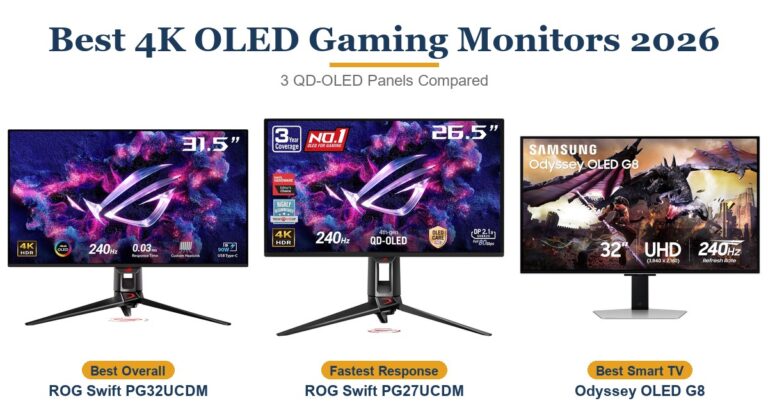
Three rivals cover what a buyer weighs at this size: Samsung’s Odyssey OLED G8 G80SH, which RTINGS says shares this panel, MSI’s MPG 322UR QD-OLED X24 on the same updated QD-OLED generation, and LG’s UltraGear 32GX870A with its dual 4K and 1080p modes.
| Feature | ASUS ROG Swift OLED PG32UCDM3 | Samsung Odyssey OLED G8 G80SH | MSI MPG 322UR QD-OLED X24 | LG UltraGear 32GX870A |
|---|---|---|---|---|
| Price (CAD) | $1,299.90 (Oct 31) | $1,514.01 (32") | $1,599.99 | Deal $1,326.15 |
| Panel | QD-OLED | QD-OLED | QD-OLED | WOLED |
| Refresh rate | 240Hz | 240Hz | 240Hz | 240Hz at 4K, 480Hz at 1080p |
| HDR certification | DisplayHDR True Black 500 | DisplayHDR True Black 500 | DisplayHDR True Black 500 | DisplayHDR True Black 400 |
| DisplayPort | 2.1 (UHBR20) | 2.1 (UHBR20) | 2.1a (UHBR20) | 2.1 (UHBR13.5) |
| USB-C power delivery | 90W | 98W | 98W | 90W |
| Stand adjustment | Tilt, swivel ±15°, height 80 mm, no pivot | Tilt, swivel ±30°, height 120 mm, pivot ±92° | Tilt, swivel ±30°, height 110 mm, pivot ±10° | Tilt, swivel, height, pivot |
| Built-in speakers | None | None | None listed | 2 x 7W |
| TTP Review | This review ↑ | Read our review → | — | — |
| Amazon | View on Amazon | View on Amazon | View on Amazon | View on Amazon |
Are some of these out of stock? Get an email when they’re back with our free Stock Check
Prices change frequently — always verify current pricing before purchasing.
ASUS ROG Swift OLED PG32UCDM3: Worth It as a Do-It-All 4K Screen
Buy it when one monitor has to handle fast PC gaming, console HDR and color-critical work, and you often play with the lights on. It brings accurate color without calibration, Dolby Vision for an Xbox or streaming box, a KVM switch for a work laptop, and a glossy screen that holds black levels better under lamps than earlier QD-OLEDs. You will need a graphics card that can push high 4K frame rates to get the most from 240Hz. In Canada the price picture is kinder than in the US: as of October 2026, ASUS Canada’s store listed it at $1,299.90 CAD, below the Amazon.ca prices of the Samsung ($1,514.01 CAD), the MSI ($1,599.99 CAD) and the LG ($1,326.15 CAD) in the table above. ASUS Canada’s page also lists the three-year warranty, so buying from the maker keeps the same cover.
Owners of the original PG32UCDM have little reason to upgrade; TFTCentral judged the changes not worth paying for a second time. If reflections bother you more than black depth, Samsung’s G80SH has a matte Glare Free coating that RTINGS found handles reflections much better, plus a stand that pivots to portrait. MSI’s 322UR X24 matches the True Black 500 certification with a stand that rises higher and swivels further, plus its own three-year burn-in warranty. LG’s 32GX870A is the pick if you want built-in speakers or a 1080p 480Hz mode for esports, and if 240Hz is not essential, Tom’s Hardware rated Alienware’s 165Hz AW3226Q a strong value.
Sources
- ASUS — ROG Swift OLED PG32UCDM Gen3 (PG32UCDM3) Tech Specs
- ASUS ROG Swift OLED PG32UCDM3 — Amazon.ca Product Listing
- Tom’s Hardware — Asus ROG Swift PG32UCDM3 240 Hz QD-OLED gaming monitor review
- Tom’s Hardware — PG32UCDM3 response, input lag, viewing angles and uniformity
- Tom’s Hardware — PG32UCDM3 grayscale, gamma and color
- TFTCentral — Asus ROG Swift PG32UCDM3 Review
- RTINGS — ASUS ROG Swift OLED PG32UCDM Gen3 Monitor Review
- PC Games Hardware — Asus ROG Swift OLED PG32UCDM3: Messwerte und Fazit
- Gizmodo — Asus ROG Swift OLED PG32UCDM Gen 3 Review
- Samsung — 32-inch Odyssey OLED G8 G80SH specifications
- MSI — MPG 322UR QD-OLED X24 specifications
- PC Gamer — MSI MPG 322UR X24 review
- LG — 32GX870A-B UltraGear Dual-Mode OLED specifications
- Tom’s Hardware — Alienware AW3226Q 32-inch 4K OLED gaming monitor review
- ASUS Canada — ROG Swift OLED PG32UCDM Gen3 (PG32UCDM3)
- ASUS Canada — ROG Swift OLED PG32UCDM Gen3 (PG32UCDM3) Tech Specs
Reader Poll
What matters most to you in a 4K OLED gaming monitor?
Help Our Editors Know What Matters to You
Explore on Amazon →