Best Dash Cams of 2026: Front-Only or Front and Rear
Top pick: the Garmin X310.

As an Amazon Associate I earn from qualifying purchases. Disclosure
At a glance
The first choice with any dash cam is how many cameras you need: one facing the road, or a second on the back window for rear-end crashes and parking-lot bumps. After that it comes down to how much detail you need to read a plate, and whether it should keep watch while the car is parked. To pick the best dash cams of 2026, we set more than 15 models from two independent test roundups against our own reviews. The three picks cover the sharpest front-only camera, a matched front-and-rear kit, and the smallest camera to hide behind a mirror.
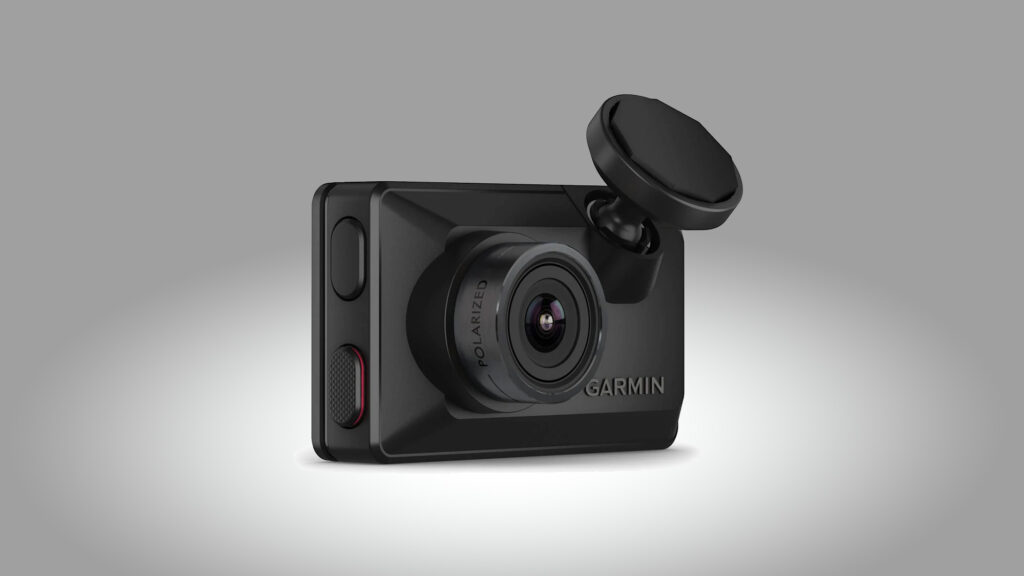
Buy it for the most detailed daytime view ahead.
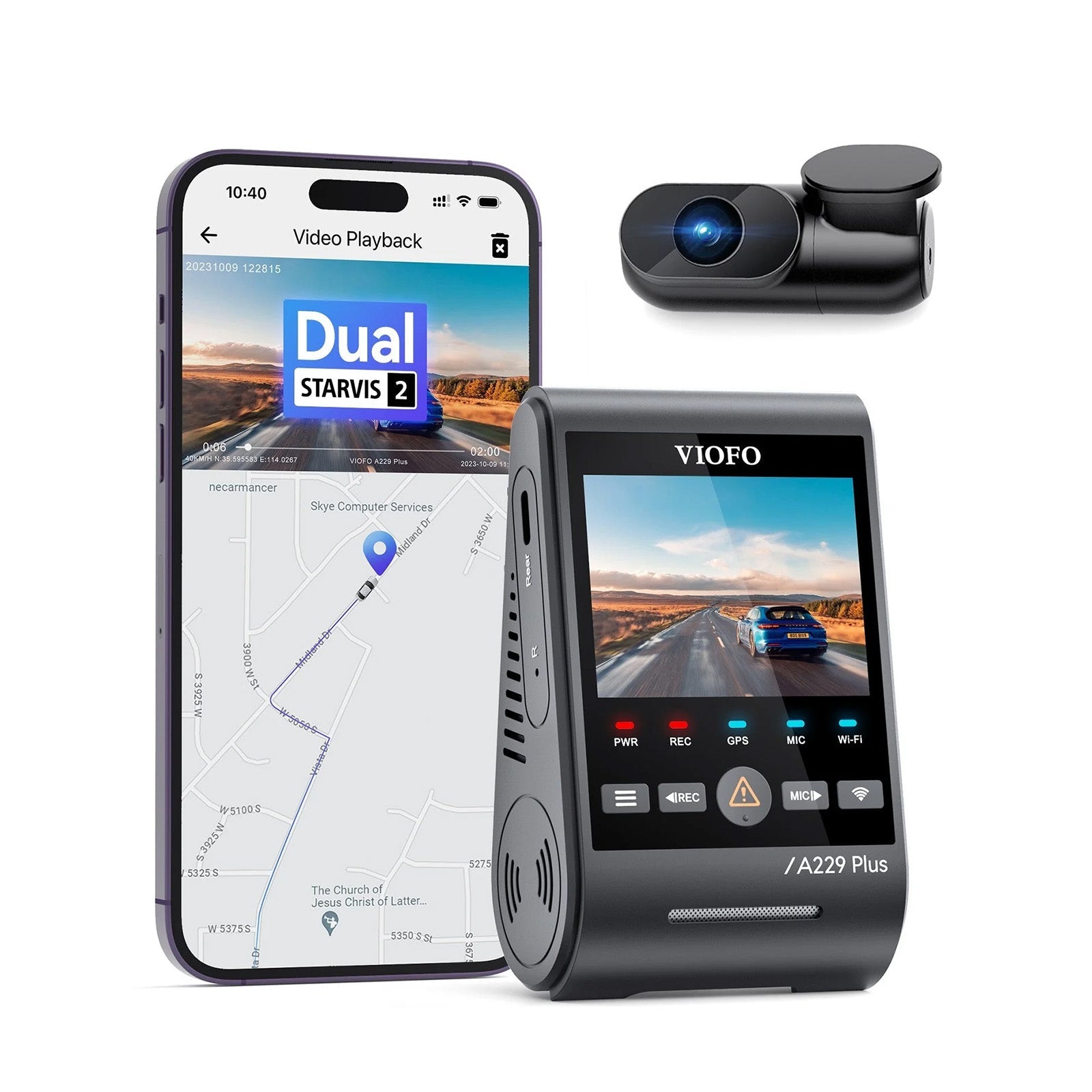
Buy it if rear-end hits and parking-lot bumps worry you: two matched 2K cameras and buffered parking mode.
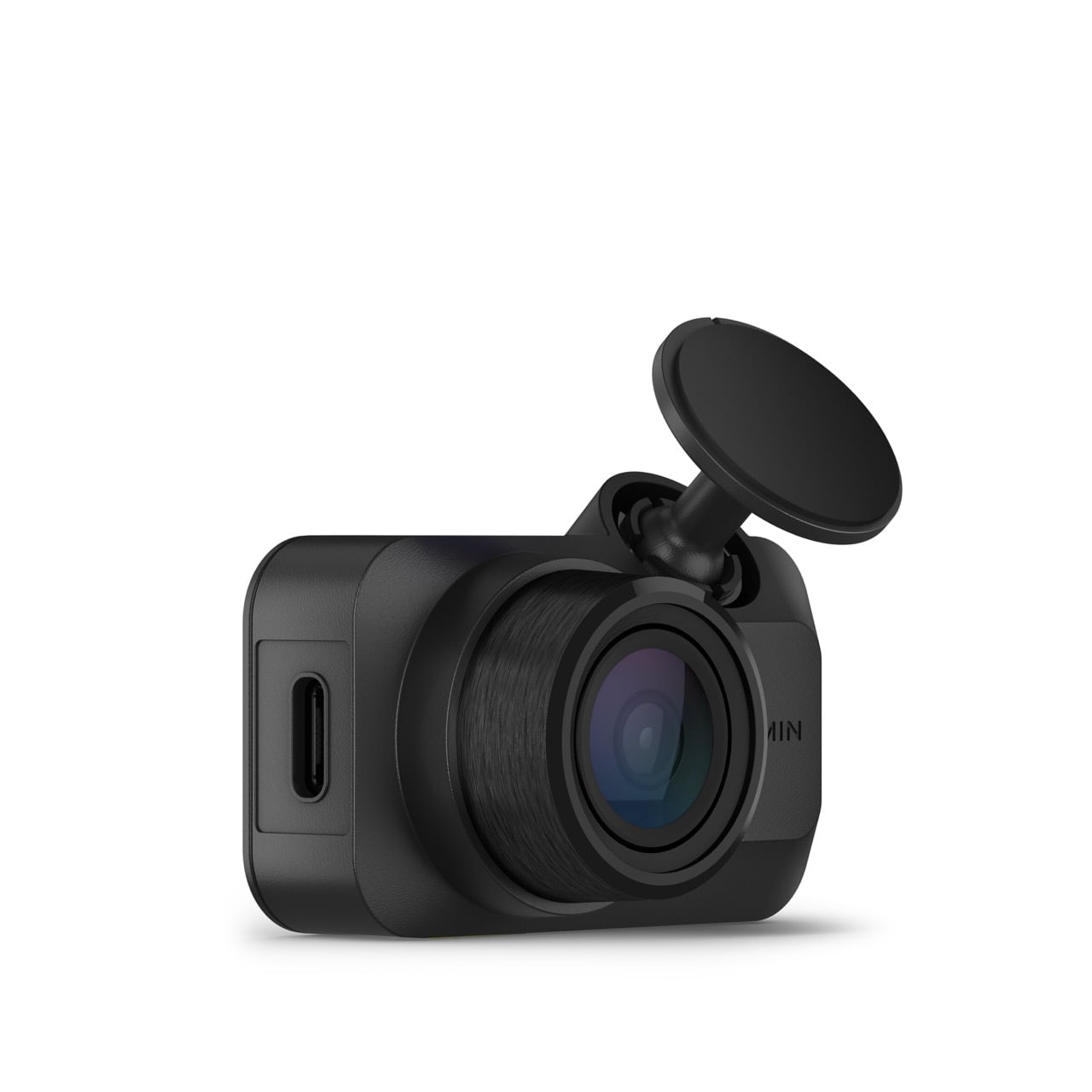
Buy it if you want a camera you stick up once and forget, for the lowest price of the three.
Garmin Dash Cam X310: Best for Sharp Footage of the Road Ahead
Daytime footage is why the X310 leads. Its 4K HDR video is detailed enough that plates, street signs and road markings are legible in daylight, and TechRadar’s reviewer called it “some of the best video I’ve seen from any dash cam”. The polarizer built into the lens keeps reflections of the dashboard off the windshield on sunny days, a filter VIOFO sells as an add-on for the A229 Plus.
The 2.4-inch touchscreen means settings and playback don’t need the phone app or a Garmin account, GPS stamps speed and location on every clip, and the camera lifts off a magnetic disc on the glass, so moving it to a second car takes only the spare disc in the box, which makes it the easiest of the three to move between cars.
Against the VIOFO A229 Plus, you pay considerably more for a sharper front view and give up the back window: the X310 has no rear camera, and covering the rear means a second Garmin dash cam with its own power. Night footage holds up well, with Auto Express rating it a match for the best it has tried in low light, though TechRadar found plates generally unreadable on the move after dark and sharp only when stopped and fairly close. Garmin’s warranty runs one year, and remote Live View and cloud backup need its paid Vault plan.
VIOFO A229 Plus: Best for Front and Rear Coverage
The A229 Plus puts the same 2K Sony STARVIS 2 sensor in its rear camera as in its front one, where many two-camera kits fit a 1080p camera on the back window. Through a clear rear window, that means the car that hits you from behind is recorded in nearly the same detail as the road ahead; PCWorld, testing the three-camera version, found the rear camera did almost as good a job as the front.
Wired to the fuse box with VIOFO’s HK4 hardwire kit (sold separately), it offers the most parking options here: buffered parking mode with automatic event detection, plus time-lapse and low-bitrate modes for continuous coverage. A supercapacitor stands in for a battery, which tolerates heat and cold better, and GPS and 5GHz Wi-Fi come built in.
Next to the X310 it records 1440p rather than 4K up front, and its night footage split the testers, from very detailed in PCWorld’s test to passable in Automoblog’s. VIOFO’s warranty runs 18 months once the camera is registered online, longer than the X310’s one year.
Garmin Dash Cam Mini 3: Best for a Camera You Never Notice
At 30 g and about 2 inches wide, the Mini 3 sits almost entirely behind the rear-view mirror, with no screen to light up or distract. It starts recording when the car does, saves a clip on impact or by voice command, and TechGearLab timed its whole install at 5 minutes, three to four times faster than the other cameras it tested. Like the X310, it has Garmin’s polarizer built into the lens.
The trade for that size is detail. It records 1080p rather than the X310’s 4K and has no GPS of its own. The testers part ways on how far its detail reaches: TechRadar read plates easily by day, while TechGearLab could read them only within about 25 ft. It is still the pick for drivers who want a witness rather than a gadget, and TechRadar’s current guide names it the best budget dash cam. Settings and playback all run through the Garmin Drive app, and parked recording needs one of Garmin’s constant-power cables, sold separately.
How the Picks Compare
| Garmin Dash Cam X310 | VIOFO A229 Plus | Garmin Dash Cam Mini 3 | |
|---|---|---|---|
| Price (USD)Price (CAD) | $349.99$489.11 | $189.99$349.99 | $99.99Deal $139.99 |
| Our score | 4.3/5 | 4.1/5 | 4.0/5 |
| Cameras | Front only | Front and rear | Front only |
| Front video (maker spec) | 4K (3840 x 2160) at 30 fps, HDR | 1440p at up to 60 fps, HDR | 1080p at 30 fps, HDR |
| Rear video (maker spec) | None | 1440p at 30 fps, HDR | None |
| Front field of view (maker rating) | 140° | 140° | 140° |
| Screen | 2.4-inch touchscreen | 2.4-inch | None (app only) |
| GPS | Built in | Built in | None built in |
| Polarizing filter | Built in | Optional, sold separately | Built in |
| Full-time parked recording needs | Garmin constant-power cable (sold separately) | HK4 hardwire kit (sold separately) | Garmin constant-power cable (sold separately) |
| Power backup | Built-in battery (up to about 20 min) | Supercapacitor | No battery |
| Warranty | 1 year | 18 months (12, plus 6 when registered) | |
| Amazon | View on AmazonView on Amazon | View on AmazonView on Amazon | View on AmazonView on Amazon |
Do You Need a Camera on the Back Window?
A front camera can’t see what happens behind you, and that is where rear-end crashes and many parking-lot scrapes come from. A camera on the back window can catch a tailgater before the hit, or the car that reverses into yours. Most multi-camera kits fit a lower-resolution rear camera than the front one, so check what the second camera records, not only the front camera’s headline number.
When it matters: you drive in heavy stop-and-go traffic, park on the street or in busy lots, or carry passengers for work. The VIOFO A229 Plus wins here, and VIOFO also sells a three-camera version that adds a cabin camera.
When it doesn’t: you mostly want proof of who caused a crash ahead of you. Either Garmin covers that, and both can join a second Garmin camera later in the same app.
How Much Detail Do You Need to Read a Plate?
For a plate, the picks’ resolution is the plainest difference: the X310 records 4K, the A229 Plus 1440p and the Mini 3 1080p, all across a lens of about 140 degrees, and extra pixels can make small text easier to make out when you zoom into a clip. Night results vary by camera and by tester: most saw less detail after dark, while TechGearLab rated the Mini 3 one of the few cameras that does as well at night as by day.
When it matters: you want the plate of a car that drives off after a collision, a few car lengths away. The Garmin X310’s 4K is the safest bet in daylight.
When it doesn’t: you need a clear record of what happened right in front of the car, the lights, the lane and who moved first. The Mini 3 records that well.
Should It Keep Watch While You’re Parked?
For parked coverage beyond a short spell, each of these cameras needs constant power, which means a hardwire or OBD-II cable to the car’s fuse box or port, sold separately; the X310 can run its Parking Guard briefly on its own battery. Hardwiring also frees the 12V socket, and an installer can do it if you’d rather not work on the car’s wiring.
When it matters: the car sits on the street overnight or in a lot all day. The A229 Plus gives the most choice once wired, with buffered, time-lapse and low-bitrate parking modes. With the Garmins, alerts on your phone and remote Live View need a Wi-Fi connection in the car and a paid Vault plan.
When it doesn’t: the car lives in a garage. Skip the cable; all three save a clip on their own when they detect an impact while you drive.
How We Chose
We started from what independent testers recommend, TechRadar’s tested dash cam guide and CNET’s dash cam picks, which together name more than 15 models, and set them against our own reviews. We chose from dash cams we have reviewed in full that are sold on Amazon, and judged them on the questions above: one camera or two, plate detail by day and night, parked-car coverage, ease of use and warranty, using the testers’ published results and the makers’ specifications. The picks are ordered by our review scores.
Which Dash Cam Should You Buy?
Buy the Garmin Dash Cam X310 if the road ahead is what you need on record: its 4K footage is the most detailed here by day, the touchscreen makes it easy to run, and the magnetic mount makes it the easiest to move between cars. Buy the VIOFO A229 Plus if what happens behind the car worries you as much: its matched 2K cameras and buffered parking mode cover rear-end hits and parking-lot bumps for much less than the X310. Buy the Garmin Dash Cam Mini 3 if you want a dash cam you install in minutes and never see again, at the lowest price of the three.
Our picks
For the sharpest view of the road ahead.
For evidence behind the car as well as ahead.
For a camera you set up once and forget.
Browse all Automotive reviews →Automotive reviews →
Frequently Asked Questions
Can I pair the Garmin Mini 3 with the X310 to cover the back window?
Will these dash cams work through a Canadian winter?
What size memory card should I buy?
Do I have to pay for Garmin’s Vault subscription?
Is a polarizing filter worth having on a dash cam?
Sources
- TechRadar – The best dash cam: we’ve rigorously tested the latest car cameras
- CNET – Best Dash Cams of 2026: Top Front and Rear Car Cameras for Every Budget
- Garmin – Garmin Dash Cam X310
- Garmin – Dash Cam X310 Owner’s Manual
- Garmin – Vault Plans
- TechRadar – Garmin Dash Cam X310 review
- Tom’s Guide – Garmin X310 dash cam review
- Auto Express – Garmin X310 review
- Digital Camera World – Garmin Dash Cam X310 review
- VIOFO – A229 Plus 2CH Dual Dash Cam
- PCWorld – Viofo A229 Plus 3ch review
- Automoblog – Viofo A229 Plus Review
- DashCamTalk – VIOFO A229 Plus
- Digital Camera World – Viofo A229 Plus dashcam review
- Garmin – Garmin Dash Cam Mini 3
- Garmin – Dash Cam Mini 3 Owner’s Manual
- TechRadar – Garmin Dash Cam Mini 3 review
- Tom’s Guide – Garmin Dash Cam Mini 3 review
- TechGearLab – Garmin Mini 3 Review
Reader Poll
What do you most want your dash cam to record?
Help Our Editors Know What Matters to You
Explore on Amazon →