Dell UltraSharp U3225QE vs BenQ MA270S: Mac Users Want BenQ
A 32-inch 4K Thunderbolt hub monitor against a 27-inch 5K Mac-tuned display — we break down resolution, connectivity, and price to help you pick the right one for your desk.

How We Researched
Built from each product’s manufacturer specifications, published testing from PCWorld, Macworld, and Notebookcheck, and current Amazon US/CA pricing verified in August 2026. No manufacturer paid for placement.
* As an Amazon Associate I earn from qualifying purchases. Disclosure
What You’ll Learn
- Which has the sharper, more color-accurate panel
- Which refresh rate actually matters for everyday use
- Which one can replace your laptop dock outright
- Which is the better fit for a Mac-first desk
- Whether the price difference is worth it
The Two Monitors Compared
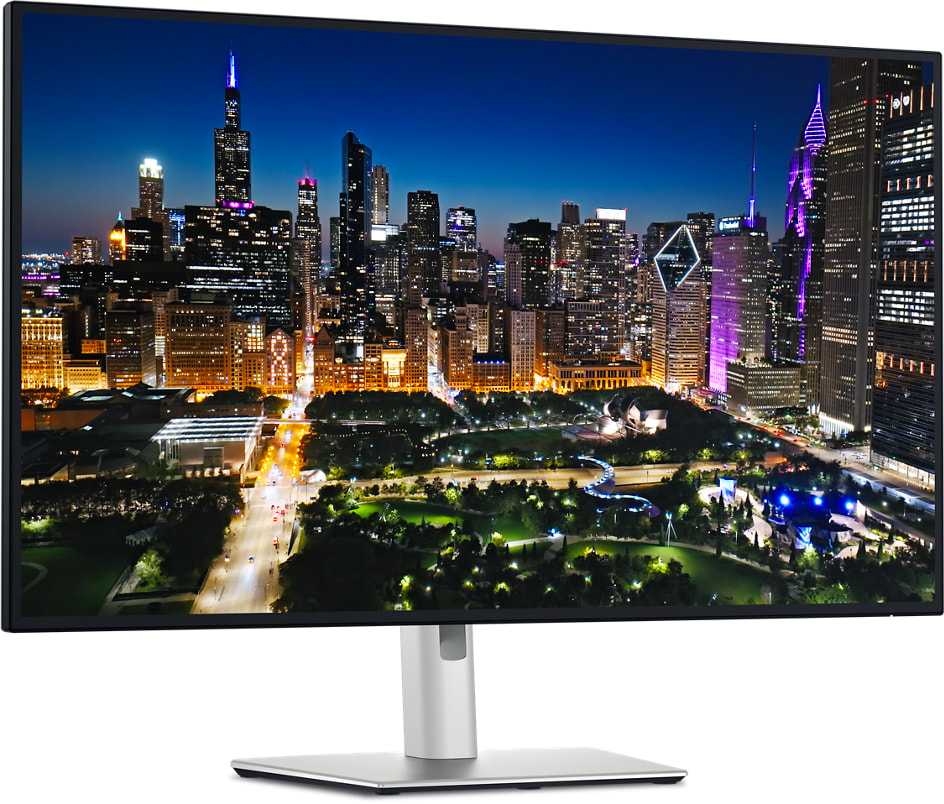 Best for Windows & Multi-Monitor Setups
Bottom line: The most complete single-cable dock replacement of the two, with Ethernet and daisy-chaining built in.
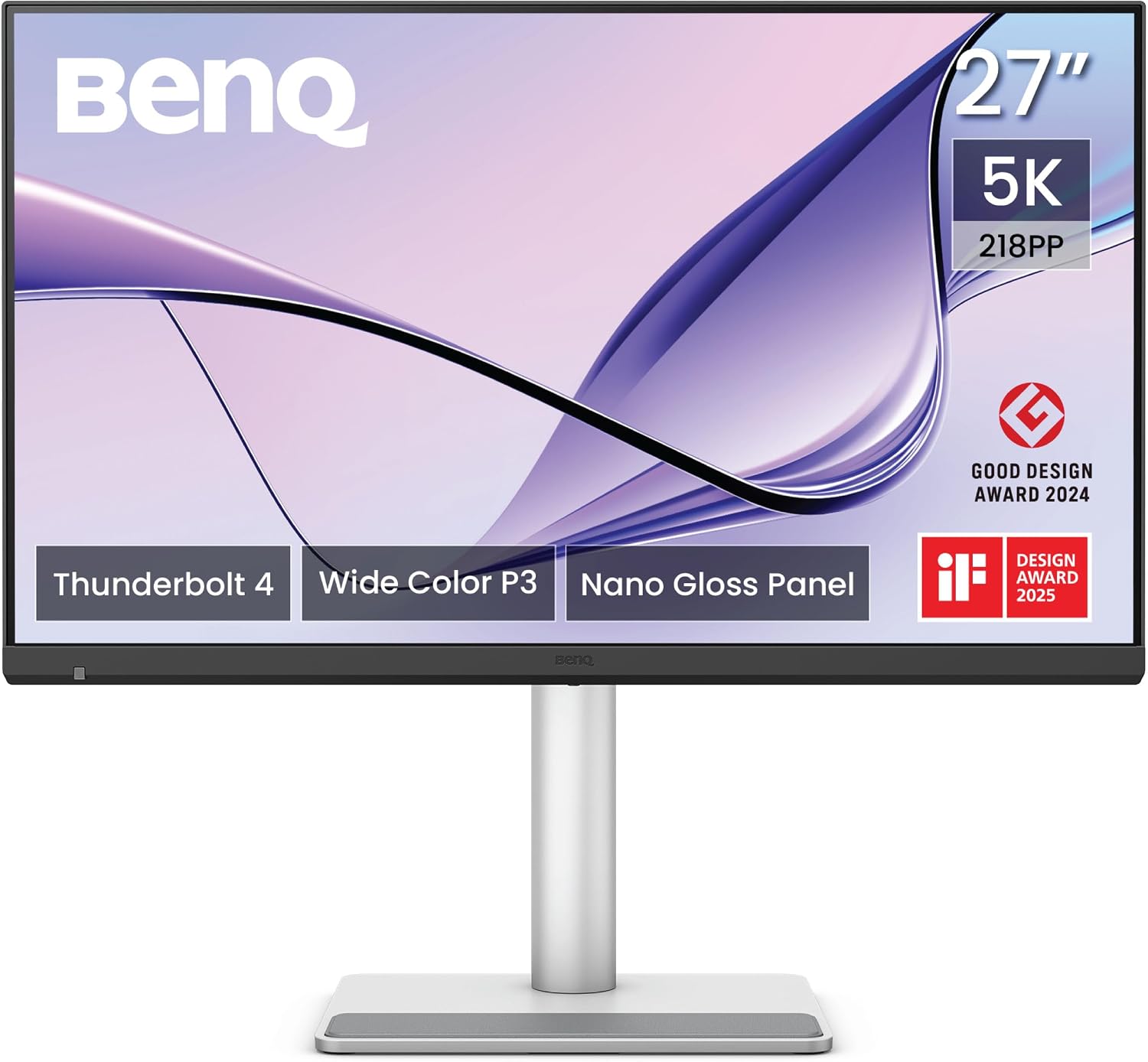 Best for Mac Creators
Bottom line: The closer alternative to Apple’s Studio Display, built specifically around a Mac workflow.
Two of 2026’s most capable premium monitors take very different approaches to the same problem. The Dell UltraSharp U3225QE vs BenQ MA270S question comes down to whether you want a cross-platform dock replacement or a Mac-tuned creative display — both are excellent at what they are built for, and the wrong pick for your workflow is the more expensive mistake. We compared specs, pricing, and independent testing from PCWorld, Macworld, and Notebookcheck to help you choose.
| Spec | Dell UltraSharp U3225QE | BenQ MA270S |
|---|---|---|
| Price (USD) | $899 | $999.99 |
| Price (CAD) | $1,249.99 | $1,187.49 |
| Screen Size | 32″ | 27″ |
| Resolution | 3840×2160 (4K) | 5120×2880 (5K) |
| Refresh Rate | 120Hz | 70Hz |
| Panel Type | IPS Black, 3000:1 contrast | Nano Gloss, 99% P3 color |
| Power Delivery | 140W | 96W |
| Ethernet Passthrough | Yes (RJ45) | No |
| KVM Switch | No | Yes |
| Our Score | 4.4/5 | 4.4/5 |
Resolution & Sharpness: 4K vs 5K
The BenQ MA270S packs a 5120×2880 Nano Gloss panel into a 27-inch frame — a higher pixel density than the Dell, with 99% P3 color coverage and Mac-matched color calibration that Macworld’s testers found rendered richly and accurately.
The Dell UltraSharp U3225QE covers a larger 32-inch canvas at 3840×2160, paired with an IPS Black panel rated for 3000:1 contrast — a real step up over the 1000:1 contrast most standard IPS monitors offer, even though the raw pixel count is lower than the BenQ’s.
Winner: BenQ MA270S for color-sensitive creative work where sharpness and accuracy matter most; Dell UltraSharp U3225QE for anyone who wants more usable screen real estate for multitasking and window management.
Refresh Rate: 120Hz vs 70Hz
The Dell UltraSharp U3225QE supports a 120Hz refresh rate — a combination almost no other 32-inch 4K productivity monitor offers at this price. In daily use that means noticeably smoother cursor movement and window scrolling.
The BenQ MA270S caps out at 70Hz, which is standard for most 5K creative displays but a real limitation if you are coming from anything faster.
Winner: Dell UltraSharp U3225QE, if smoother motion at your desk matters to you at all — this is the single biggest everyday-feel difference between the two monitors.
Connectivity & Power Delivery
The Dell UltraSharp U3225QE’s Thunderbolt 4 hub delivers up to 140W of power, adds RJ45 Ethernet passthrough, and supports daisy-chaining additional monitors off a single cable — enough to replace a separate laptop dock outright.
The BenQ MA270S offers dual Thunderbolt 4 ports with 96W/15W charging and a built-in KVM switch, letting you control two computers from one keyboard and mouse — a feature the Dell does not include. Neither monitor has a built-in webcam.
Winner: Dell UltraSharp U3225QE for a single-cable dock replacement with wired networking; BenQ MA270S for anyone who regularly switches between two machines at the same desk.
Platform Fit: Mac vs Cross-Platform
The BenQ MA270S is built and color-calibrated specifically around Mac workflows — its brightness and volume controls work natively from macOS, and Macworld’s testing confirmed color rendering that closely tracks Apple’s own displays.
The Dell UltraSharp U3225QE works fine with a Mac or a Windows PC, but it is not tuned specifically for either — its strengths (Ethernet, daisy-chaining, 120Hz) are platform-agnostic rather than Mac-specific.
Winner: BenQ MA270S for a Mac-first desk; Dell UltraSharp U3225QE for a mixed-platform or Windows-first setup.
Our Verdict
For most home-office and hybrid-work buyers on Windows or a mixed platform, the Dell UltraSharp U3225QE is the stronger all-around pick — its 140W Thunderbolt 4 hub with Ethernet and daisy-chaining turns it into a genuine dock replacement, and its 120Hz refresh rate makes everyday use feel noticeably smoother than the BenQ.
Mac-first creators who want something close to Apple’s Studio Display without Apple’s price tag should lean toward the BenQ MA270S instead — its color-matched 5K panel and KVM switch are built around exactly that workflow, and at $999.99 it still undercuts the Studio Display by roughly $600.
Buy the Dell if you want one cable to run your whole desk, including wired networking. Buy the BenQ if you are on a Mac and color accuracy at a lower price than Apple’s own display is the priority.
Read Our Dell UltraSharp U3225QE Review → Read Our Dell UltraSharp U3225QE Review → Read Our BenQ MA270S Review → Read Our BenQ MA270S Review →
Frequently Asked Questions
Which should I buy if I use a Mac as my primary computer?
Which monitor is better if I need Ethernet or want to daisy-chain multiple displays?
Is the Dell’s 120Hz refresh rate a meaningful upgrade over the BenQ’s 70Hz?
Is the extra resolution on the BenQ MA270S worth the trade-off?
Which one is the better value at these prices?