How to Extend Wireless Earbuds Battery Life: 6 Charging Habits That Work (2026)
A few small charging and usage habits are the real difference between earbuds that still hold a charge in year three and ones that need replacing after one.

How We Researched
Charging guidance drawn from Apple’s own AirPods charging documentation and battery-care research from HeadphonesAddict, cross-checked against the charge specs published in our own earbud reviews. No manufacturer paid for placement.
What You’ll Learn
- Why charging to 100% every time shortens long-term battery life
- How much ANC and noise-reduction modes actually cost per charge
- The volume level that protects both your battery and your hearing
- Where to store earbuds between uses — and why a pocket is the wrong answer
- Why dirty charging contacts cause phantom battery drain
- When a firmware update can fix a battery problem hardware can’t
3 earbuds referenced in this guide

Curious how to extend wireless earbuds battery life without buying a new pair? The habits that quietly shorten a battery’s lifespan — draining to 0% out of habit, leaving noise cancellation on by default, tossing buds loose in a bag instead of their case — are easy to break once you know which ones actually matter.
Charge to 80%, Not Always to 100%
Lithium-ion batteries, the kind in every pair of wireless earbuds, degrade faster the more time they spend sitting at a full charge. Apple’s own AirPods charging guidance recommends turning on Optimized Battery Charging in Settings → your AirPods name → Battery — it learns your daily routine and holds the charge near 80% until shortly before you’ll actually need a full case. Most Android-side companion apps (Samsung’s Galaxy Wearable, for instance) now include a similar “protect battery” toggle buried in their charging settings; it’s worth a two-minute hunt through the app the first time you set up a new pair.
Recharge Before the Case Hits Empty
Letting a battery run all the way to 0% repeatedly, then charging it fully, puts more stress on it than keeping it in a shallower cycle. Per HeadphonesAddict’s battery-care research, the sweet spot for most lithium-ion earbuds is recharging around the 20% mark rather than waiting for a full drain, and unplugging soon after it tops off rather than leaving the case connected for hours past 100%.
Turn Off ANC and Noise Reduction When You Don’t Need It
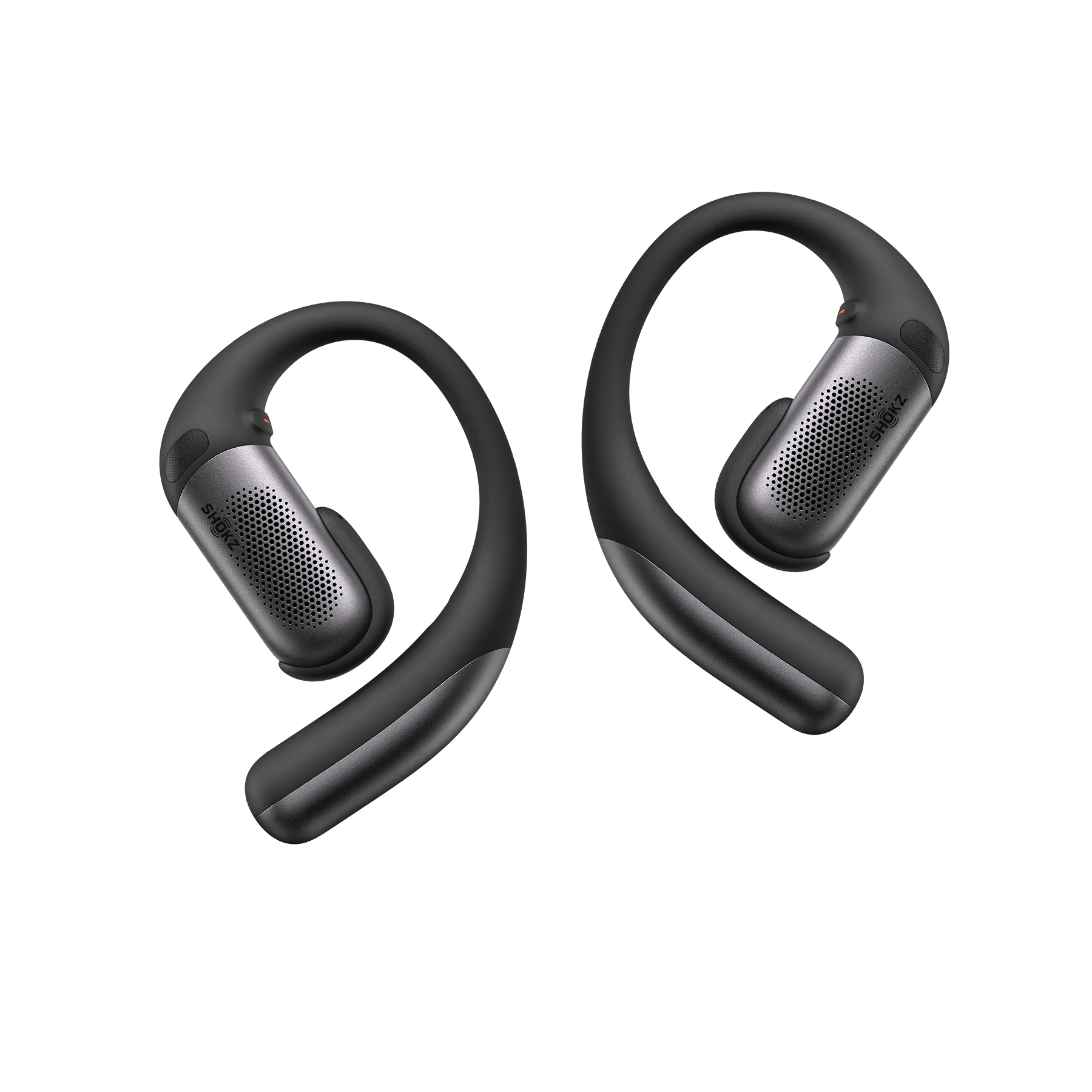
Active noise cancellation and noise-reduction modes are the single biggest per-charge battery cost on modern earbuds — bigger than volume, bigger than Bluetooth codec. Apple’s own published specs, cited in our Apple AirPods 5 reviewApple AirPods 5 review, show ANC cutting earbud-only runtime from 6 hours down to 4 hours per charge. The Shokz OpenFit ProShokz OpenFit Pro shows an even bigger swing: 50 hours total with Noise Reduction off, versus 24 hours with it on. Leaving these modes on by default for a quiet home office or a solo walk burns real battery for a feature you’re not using.
Keep the Volume Below 50–60% of Max
The louder the volume, the harder the driver works and the faster the charge drains — and per the same HeadphonesAddict guidance above, staying under roughly half to two-thirds of maximum volume is also the threshold most hearing-health researchers recommend for safe long-term listening. It’s a rare case where the battery-friendly habit and the hearing-safe habit are the same one.
Store Them in the Case Between Uses, Not a Pocket
Earbuds left sitting outside their case — on a desk, in a jacket pocket — often stay connected to a phone or actively searching for one, quietly drawing power the whole time. The case isn’t just for charging: closing the lid disconnects Bluetooth and puts the buds into a genuine low-power state, which is why a pair left in its case for a week still has charge when you open it, and a pair left loose in a bag usually doesn’t.
Clean the Charging Contacts and Keep Firmware Updated
Pocket lint and skin oil on the metal charging pins inside the case are a common, overlooked cause of a battery that “won’t hold a charge” — the earbuds simply aren’t making a full connection. Apple recommends wiping both the earbuds and the case’s charging contacts with a soft, dry, lint-free cloth, using a dry cotton swab for the recessed pins. While you’re in the companion app, check for a pending firmware update too — manufacturers periodically ship power-management improvements the same way phone OS updates do, and an out-of-date pair can behave worse on paper than the hardware actually is.
The Right Gear Makes It Easier
Some earbuds simply give you more control over these trade-offs than others.
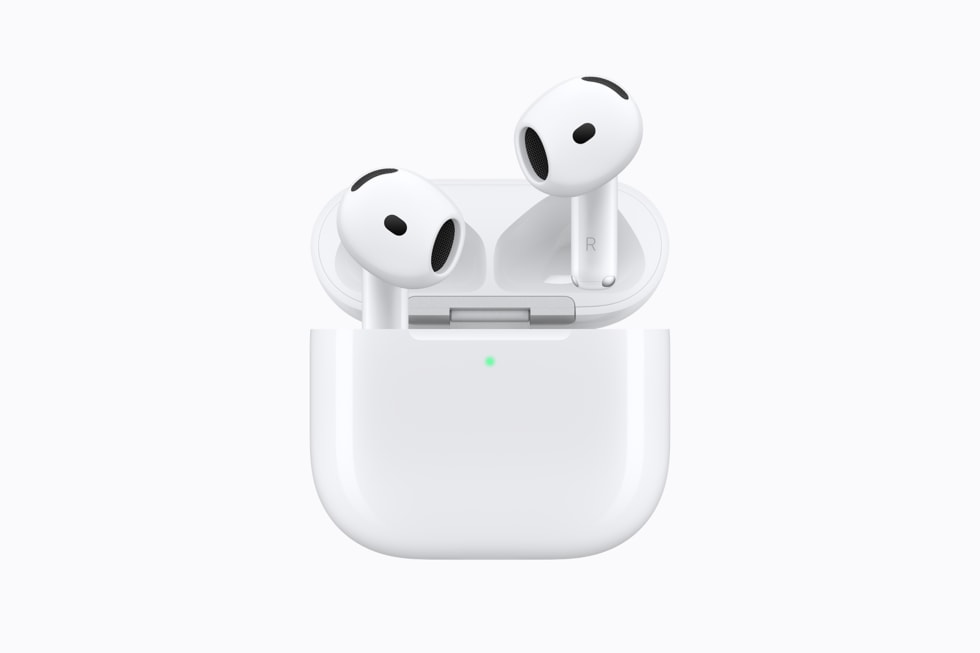
Apple AirPods 5Apple AirPods 5 — supports Optimized Battery Charging out of the box, so the 80%-cap habit above runs itself once it’s switched on.
Apple AirPods 4Apple AirPods 4 — a straightforward one-tap ANC toggle makes it easy to switch noise cancellation off for the quiet stretches of the day and claw back real runtime.
Shokz OpenFit ProShokz OpenFit Pro — the widest ANR-on/ANR-off gap of the three, which makes it the clearest example of how much a single setting can change your day-to-day battery life.
Still deciding which pair to buy? See our Apple AirPods 5 vs Apple AirPods 4 comparison →See our Apple AirPods 5 vs Apple AirPods 4 comparison →