Best Mechanical Keyboards for Productivity in 2026: Top 3 Picks
Real tactile switches without the gaming-rig aesthetic — three mechanical keyboards built for typists, not just LAN parties.

How We Researched
3 keyboards considered, cross-checked against Tom’s Guide, Tom’s Hardware, Reviewed.com, and Laptop Mag findings, plus aggregated consumer feedback and verified manufacturer specs. No paid placement — picks and scores reflect editorial judgment only.
What You’ll Learn
- WOBKEY Rainy75 Pro — hot-swap aluminum board that sounds like a custom build
- Razer Huntsman V3 TKL — analog optical switches built for competitive speed
- Logitech MX Mechanical — quiet Tactile Quiet switches for shared offices
- Whether hot-swap sockets and open firmware actually matter for typing work
- How wireless connectivity differs across all three boards
The ranking
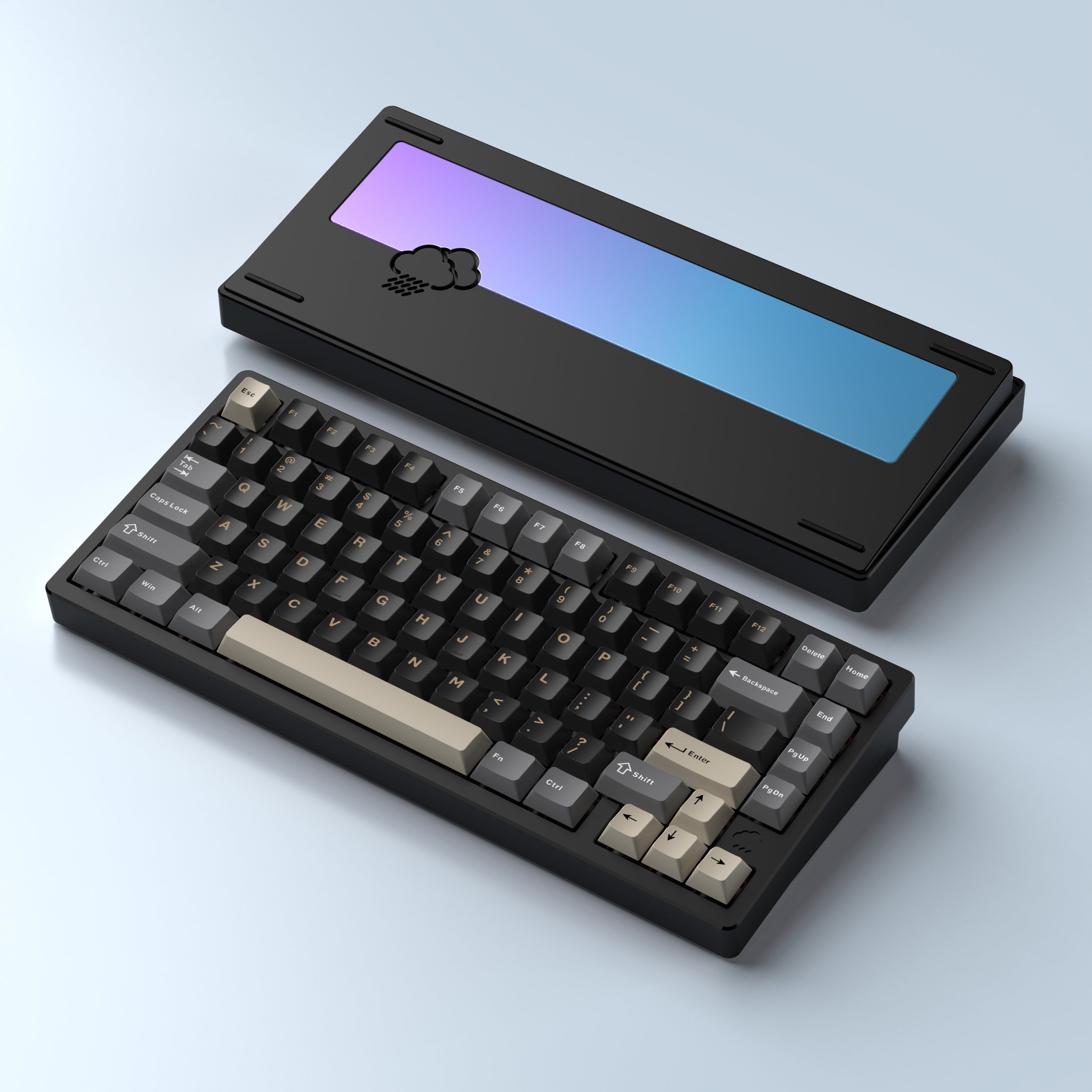
CNC aluminum, hot-swap sockets, and open VIA/QMK firmware at less than half the price of the others.
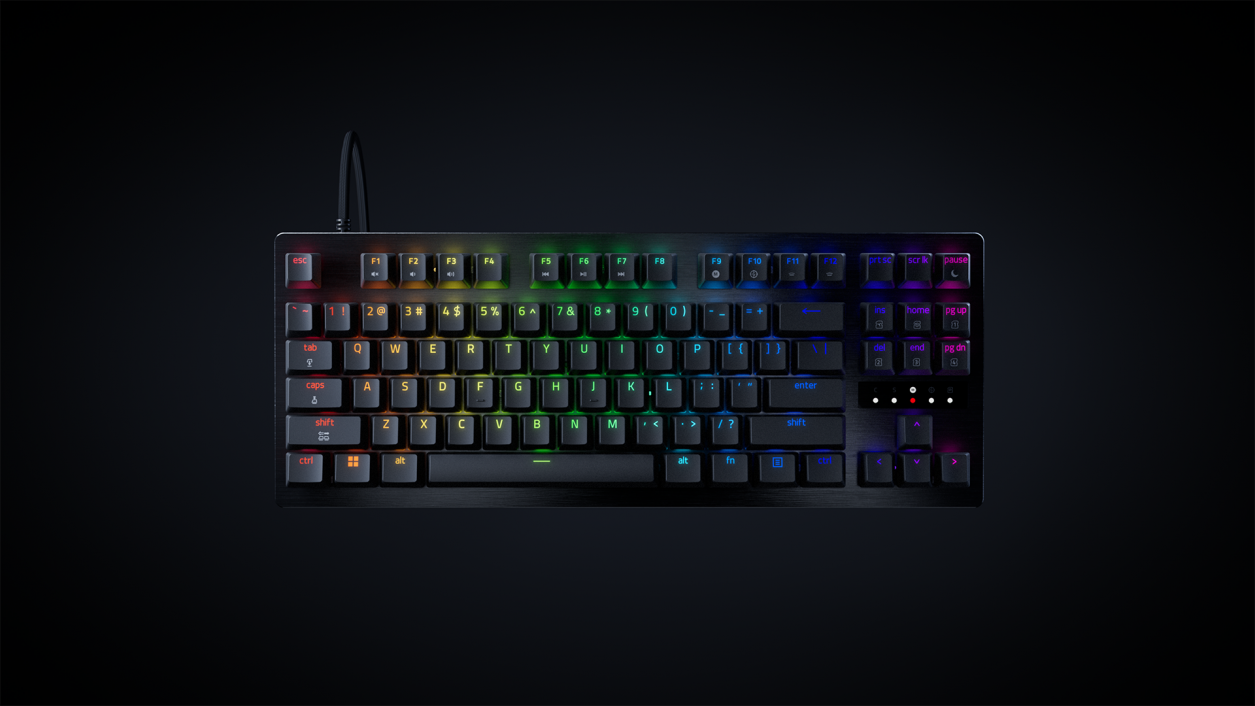
8KHz analog optical switches built for esports-grade responsiveness that doubles as a solid daily typer.
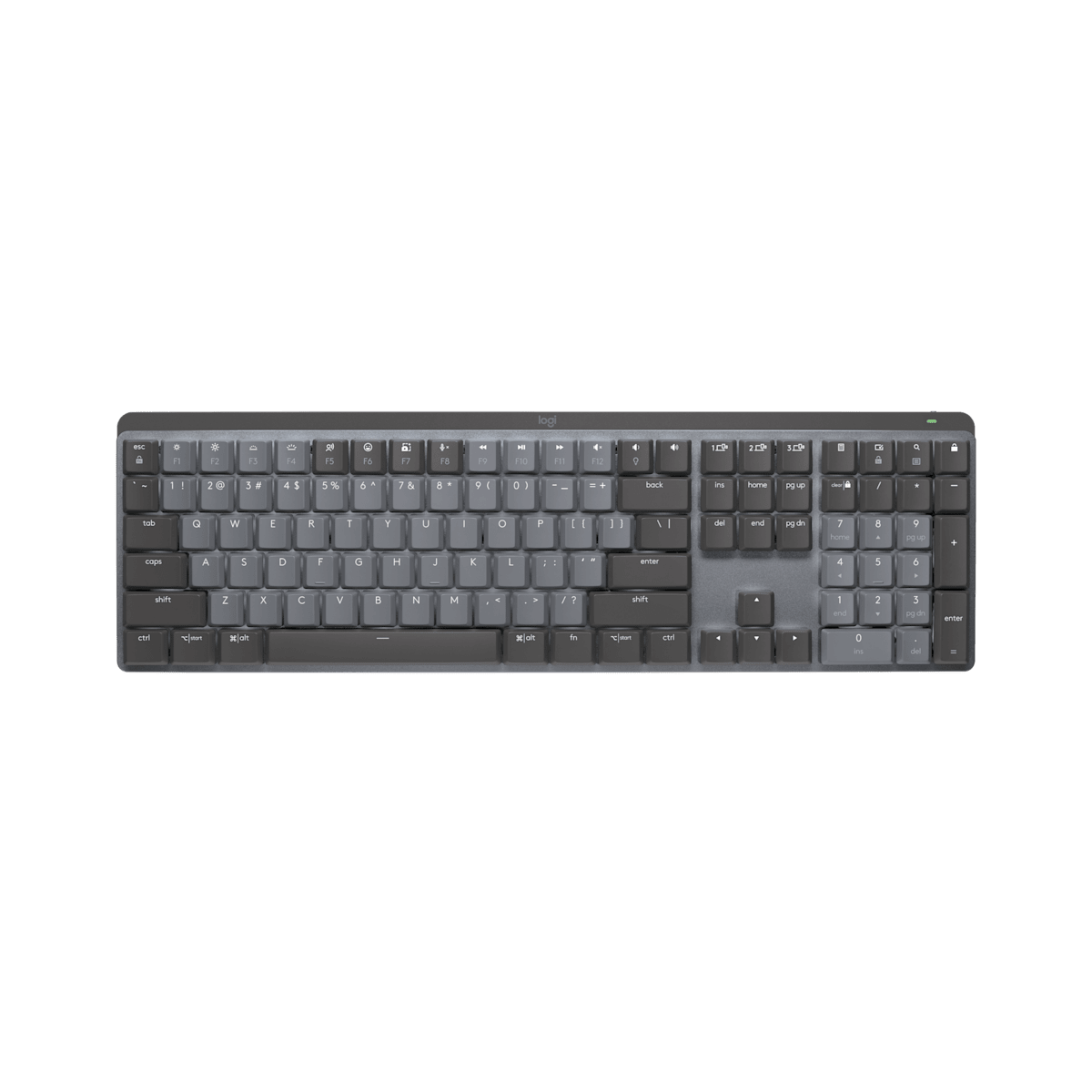
Low-profile Tactile Quiet switches and 3-device Bluetooth switching, built for shared workspaces.
Mechanical keyboards get marketed at gamers first, but the same tactile switches and sturdy builds that win esports tournaments also make for better all-day typing than a mushy membrane board. These three cover the range that matters for productivity buyers: a hot-swap value pick, a genuinely fast crossover board, and a quiet option built specifically for shared offices.
1. WOBKEY Rainy75 Pro — Best Overall
The Rainy75 Pro pairs a CNC-machined aluminum case with gasket-mount acoustics and a five-layer foam stack — the kind of internal dampening usually reserved for hand-built custom boards. Tom’s Guide called it the nicest-sounding pre-built keyboard the outlet had tested to that point, and the hot-swap sockets mean the stock Kailh Cocoa linear switches can be swapped out later without a soldering iron.
VIA and QMK support puts every key and macro under open-source firmware rather than a closed app, and at $65.99 it undercuts the other two picks here by more than $100. The 7000mAh battery is rated for roughly 900 hours per charge with the RGB backlight off.
Best for: anyone who wants a genuinely premium typing feel without paying gaming-flagship prices, and who might want to customize switches down the line.
2. Razer Huntsman V3 TKL — Best for Speed & Gaming Crossover
Razer built the Huntsman V3 TKL around 8KHz analog optical switches — polling fast enough that Razer markets it directly at competitive esports players. That same responsiveness carries over to everyday typing and spreadsheet work, and the tenkeyless layout frees up desk space for a mouse without sacrificing a full alphanumeric row.
At $169.99 it costs more than twice the WOBKEY, and Razer’s proprietary Synapse software is the only way to remap keys — there’s no open-firmware option here. Anyone who splits time between gaming and office work gets the most value out of this specific trade-off.
Best for: gamers and streamers who want one board that handles both competitive play and a full workday of typing.
3. Logitech MX Mechanical — Best for Quiet Offices
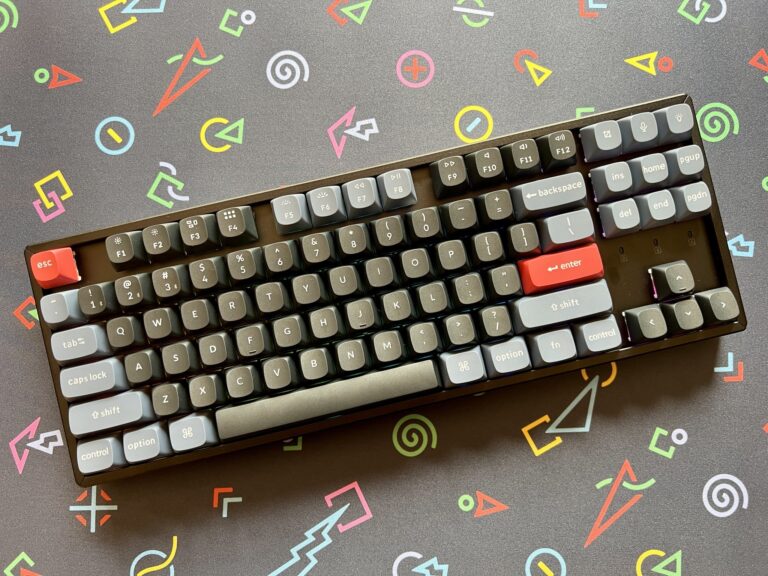
Logitech’s low-profile Tactile Quiet switches are tuned specifically to avoid the sharp click sound of a standard mechanical board — Reviewed.com called the typing experience “superb,” and Laptop Mag found the shorter switch travel struck a real balance between tactile feedback and open-office-appropriate quiet. A 3-device Easy-Switch button row makes hopping between a laptop and desktop instant.
The switches aren’t hot-swappable and remapping runs through Logitech’s closed Logi Options+ app rather than open firmware — a real limitation if customization matters, though most office typists will never touch that menu. At $169.99, it’s priced for people who value the quiet over the extras.
Best for: shared or open-plan offices where a loud mechanical board would bother the desk next door.
Quick Comparison
| WOBKEY Rainy75 Pro | Razer Huntsman V3 TKL | Logitech MX Mechanical | |
|---|---|---|---|
| Price | $65.99 | $169.99 | $169.99 |
| Switch Type | Kailh Cocoa linear (hot-swap) | Analog optical (fixed) | Low-profile tactile (fixed) |
| Layout | 75% (81 keys) | TKL (87 keys) | Full-size (108 keys) |
| Connectivity | USB-C / 2.4GHz / Bluetooth | Wired only | Bluetooth LE / Logi Bolt |
| Software | VIA / QMK (open) | Razer Synapse (closed) | Logi Options+ (closed) |
| Our Score | 4.7/5 | 4.5/5 | 4.0/5 |
The Final Word
There’s no wrong pick here, only a question of what matters most. The WOBKEY Rainy75 Pro is the easiest recommendation for most typists — it out-builds boards twice its price and leaves the door open for switch swaps later. The Razer Huntsman V3 TKL earns its premium if gaming speed is genuinely part of the daily use case, and the Logitech MX Mechanical is worth the closed ecosystem for anyone who needs a mechanical board that won’t announce itself across an open floor plan.
Browse all Office & Productivity reviews →Office & Productivity reviews → or check our best desk accessories for productivity guide →.
Frequently Asked Questions
Which of these is the best value?
Is the Logitech MX Mechanical worth the extra cost over the WOBKEY Rainy75 Pro?
Are gaming keyboards like the Razer Huntsman V3 TKL good for office typing too?
Can I swap the switches on these keyboards later?
Do any of these connect wirelessly?
Reader Poll
What matters most to you in a mechanical keyboard?
Help Our Editors Know What Matters to You
Explore on Amazon →